Staff rota
Your team knows who is working and when
Set the weekly rota, add holidays and absences, then compare planned shifts with the hours actually recorded.
See the features ↓| Team | Mon | Tue | Wed |
|---|---|---|---|
| Alex | 09–17 | 09–17 | 09–17 |
| Sam | 08–12 | 09–17 | 08–12 |
What it changes for you
A shift changes and your team ends up with different versions of the rota. In POS Ultra, set a standard week by role and add holidays or absences. Planned shifts and hours stay together, ready to compare with the actual clock-in records before payroll.
See it in action
The real demo screens, on a computer and on a phone. Fictional data.
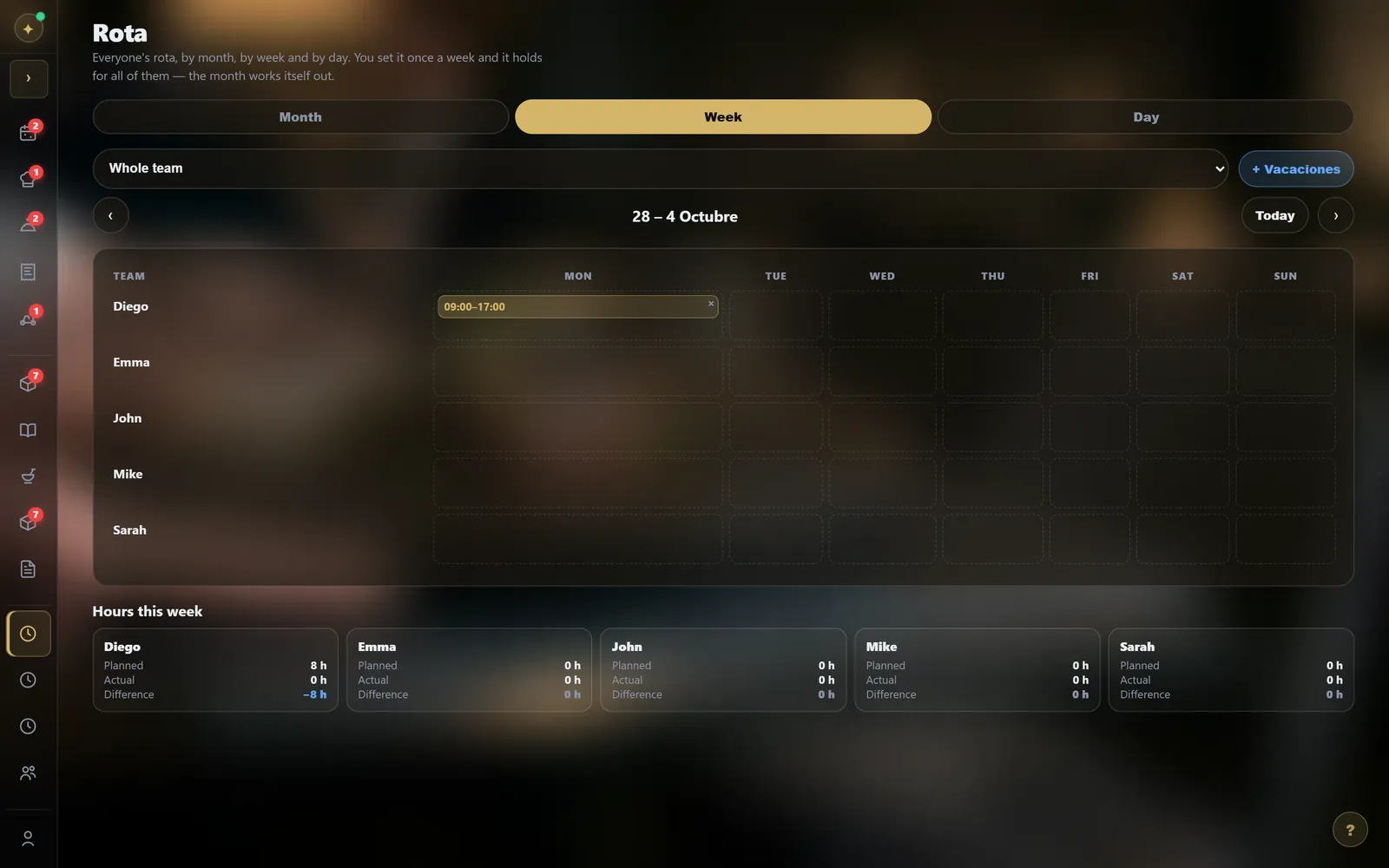
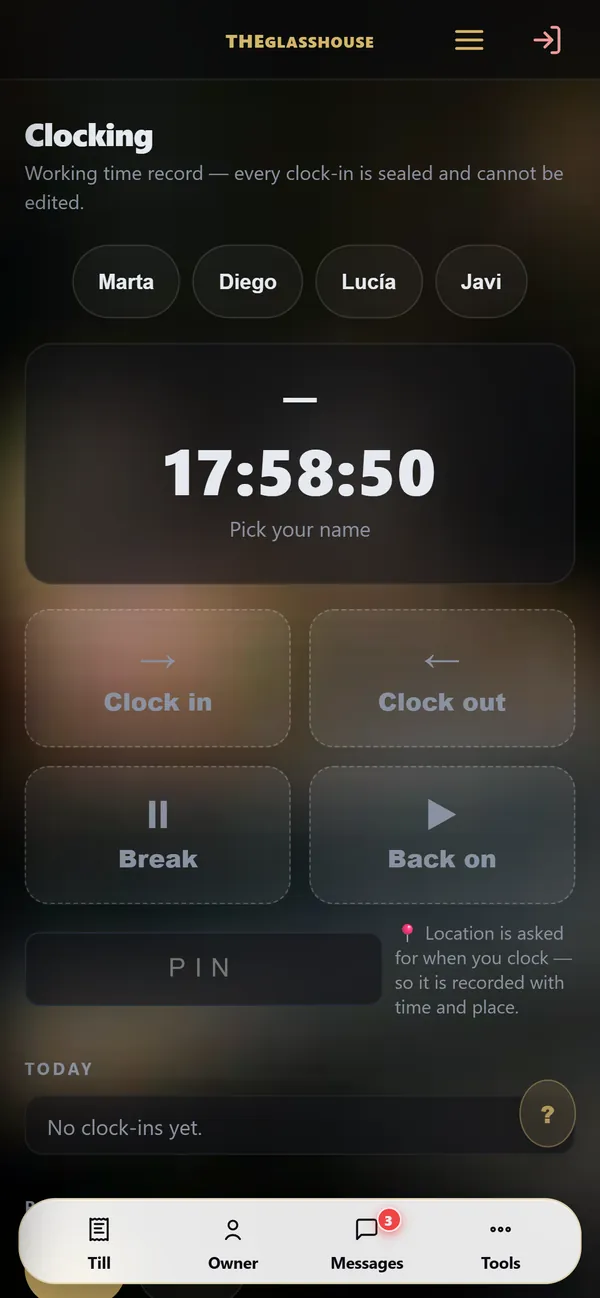
1 / 10Rota and time clockYour team’s hours by day, week or month; clocking in on the phone, with the time and place.
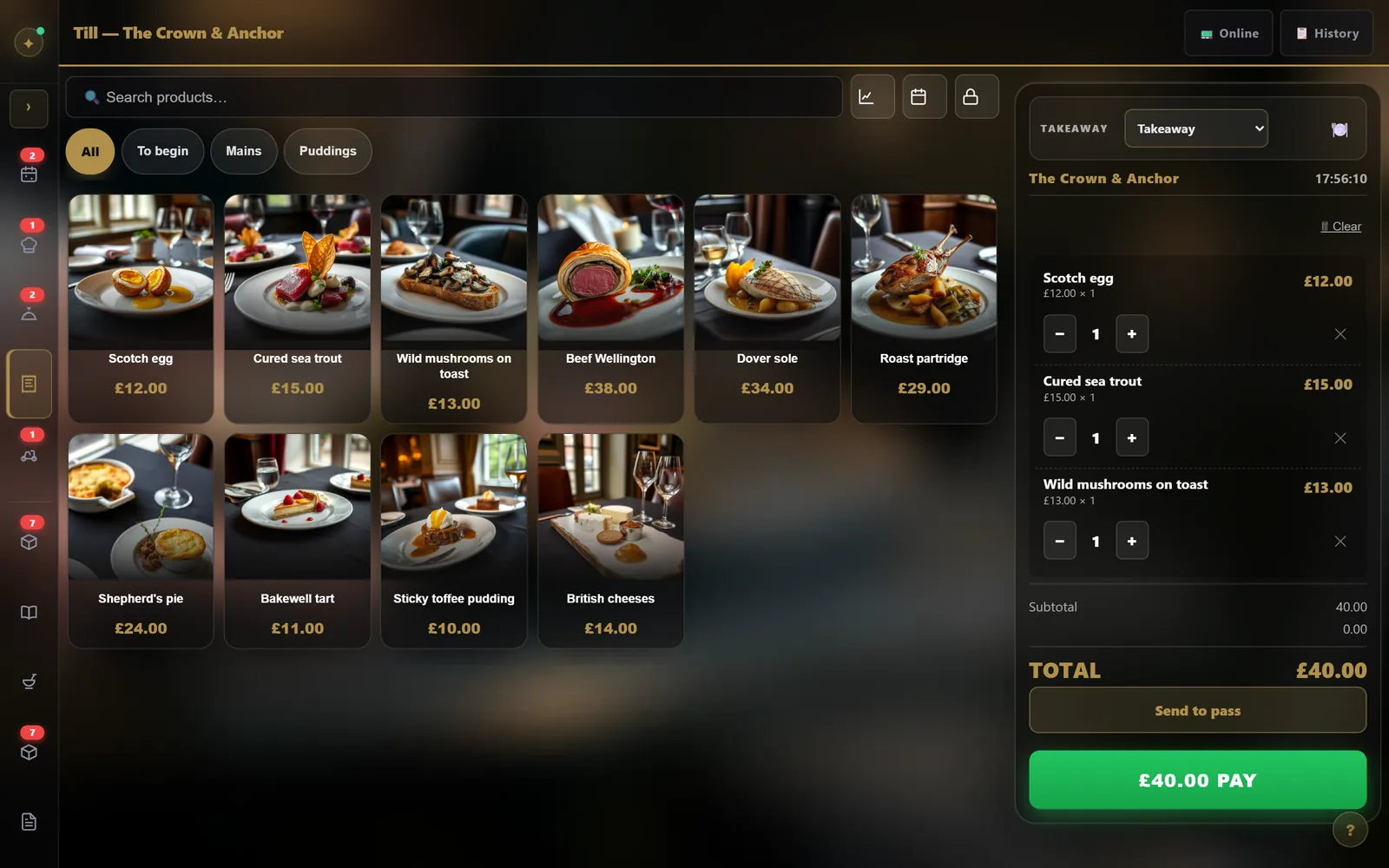
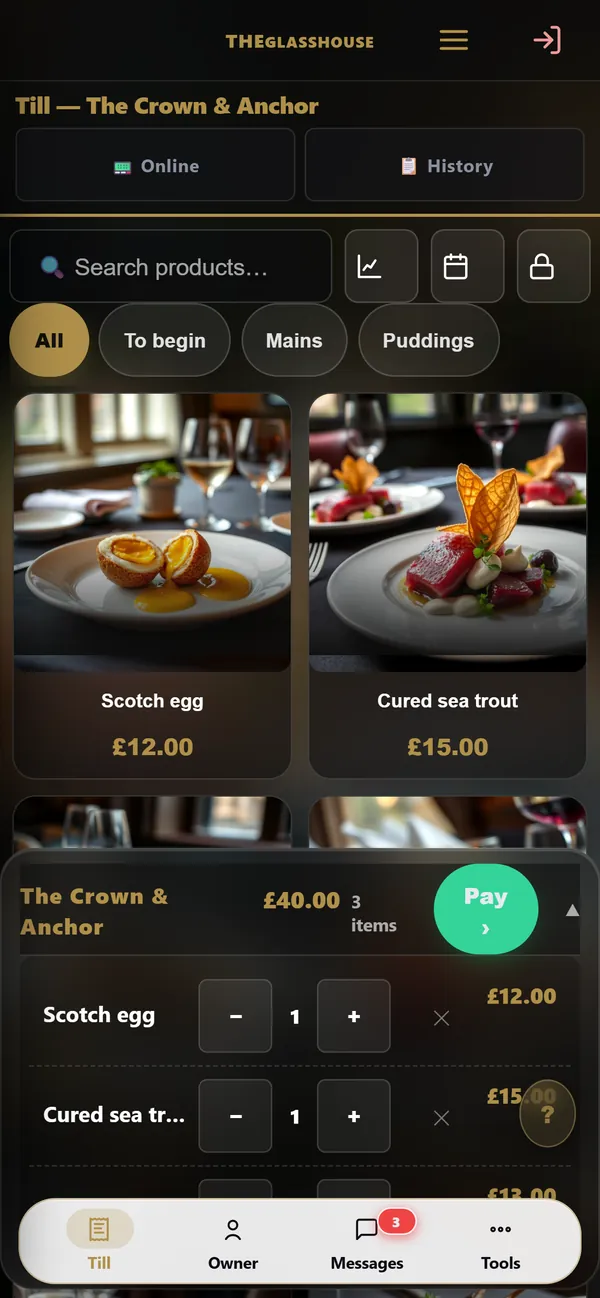
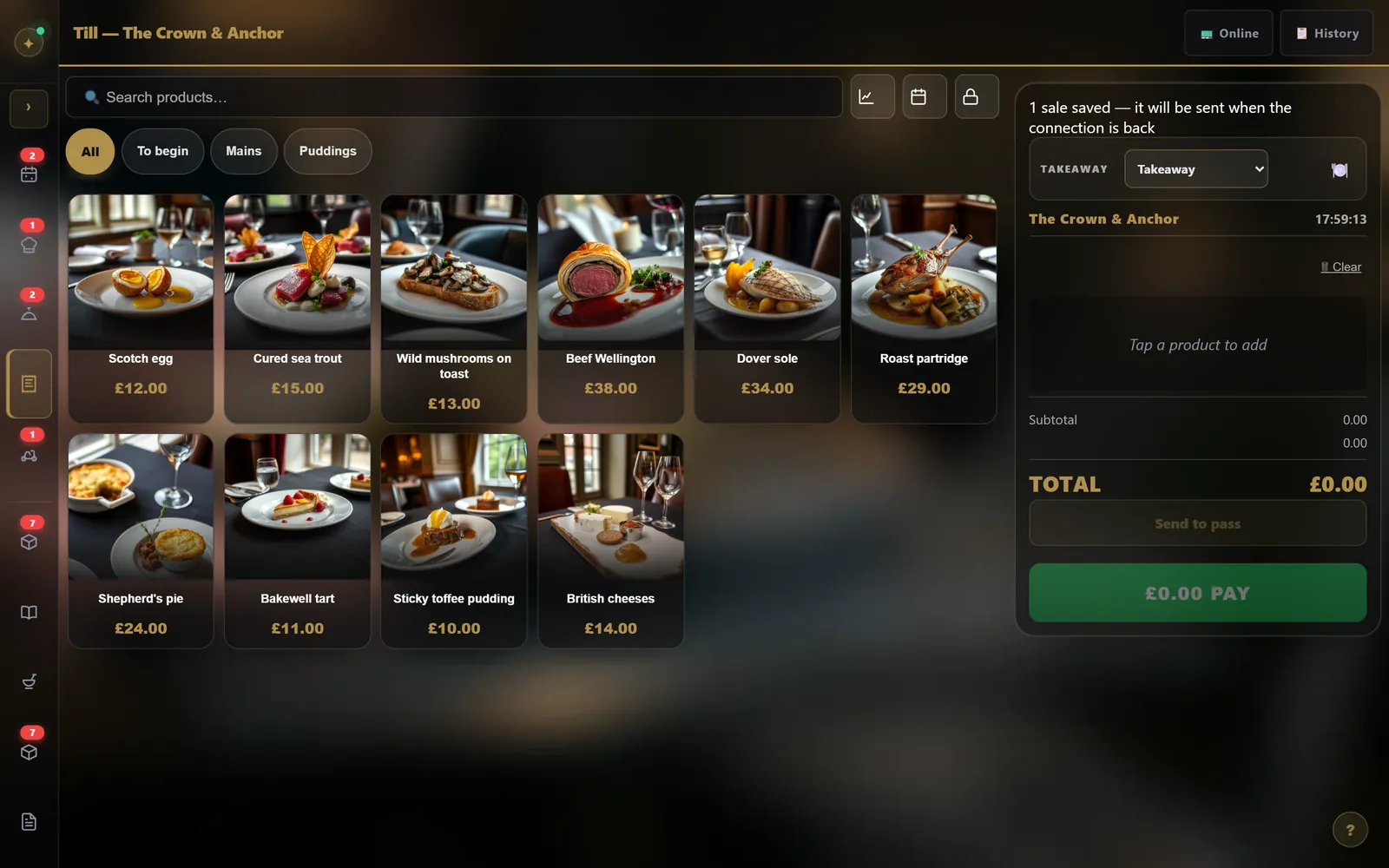
2 / 10The tillTap the dishes: the ticket fills up, VAT is worked out, you take payment.
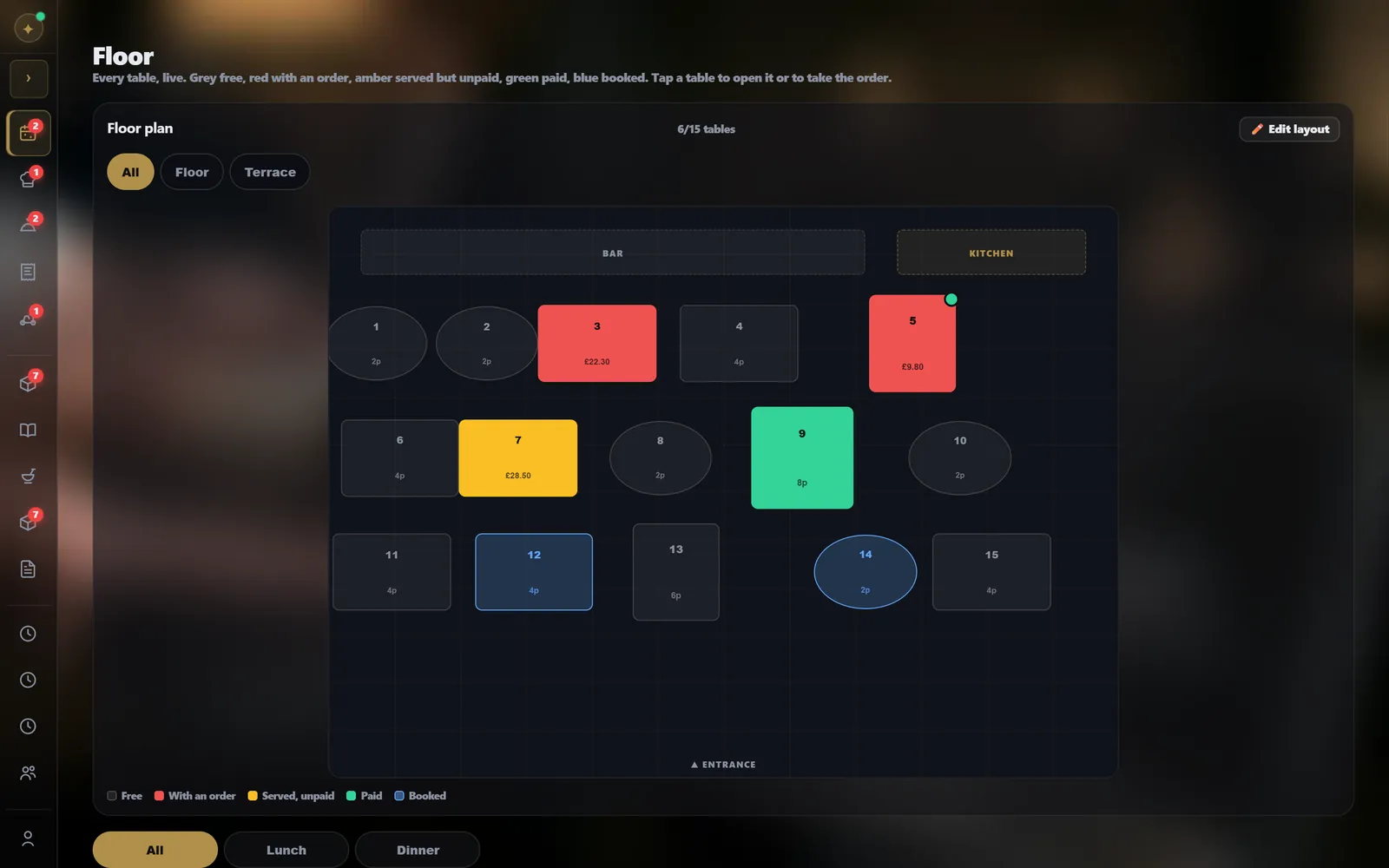
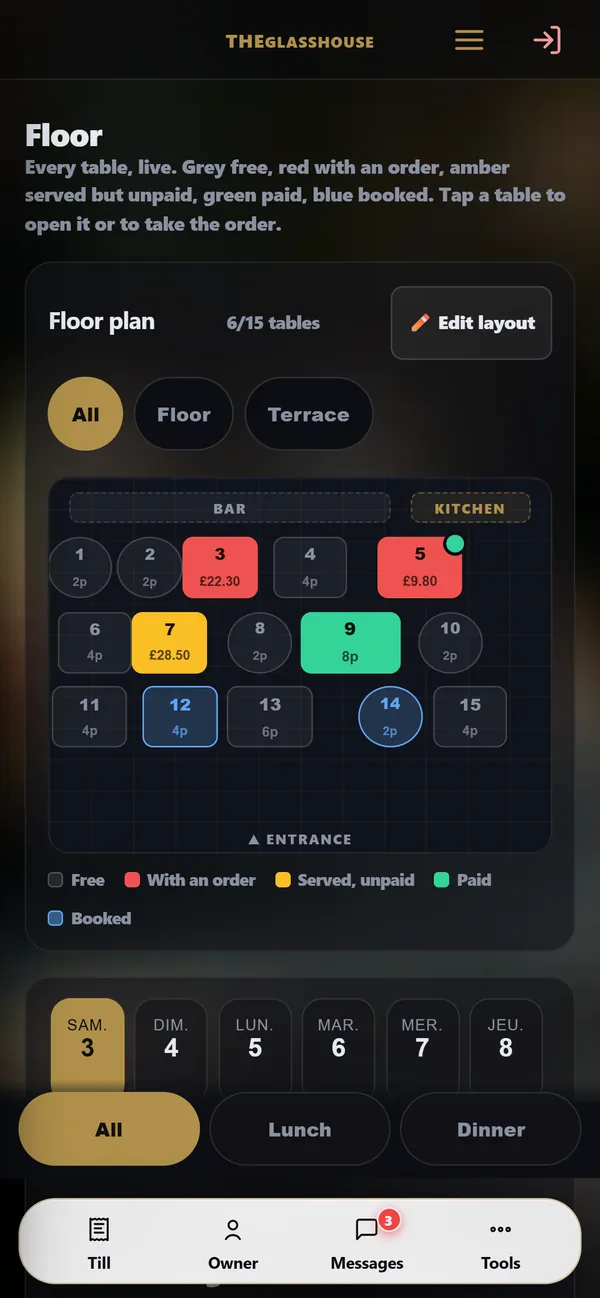
3 / 10The floorYour floor plan, drawn by you: every table shows its status live.
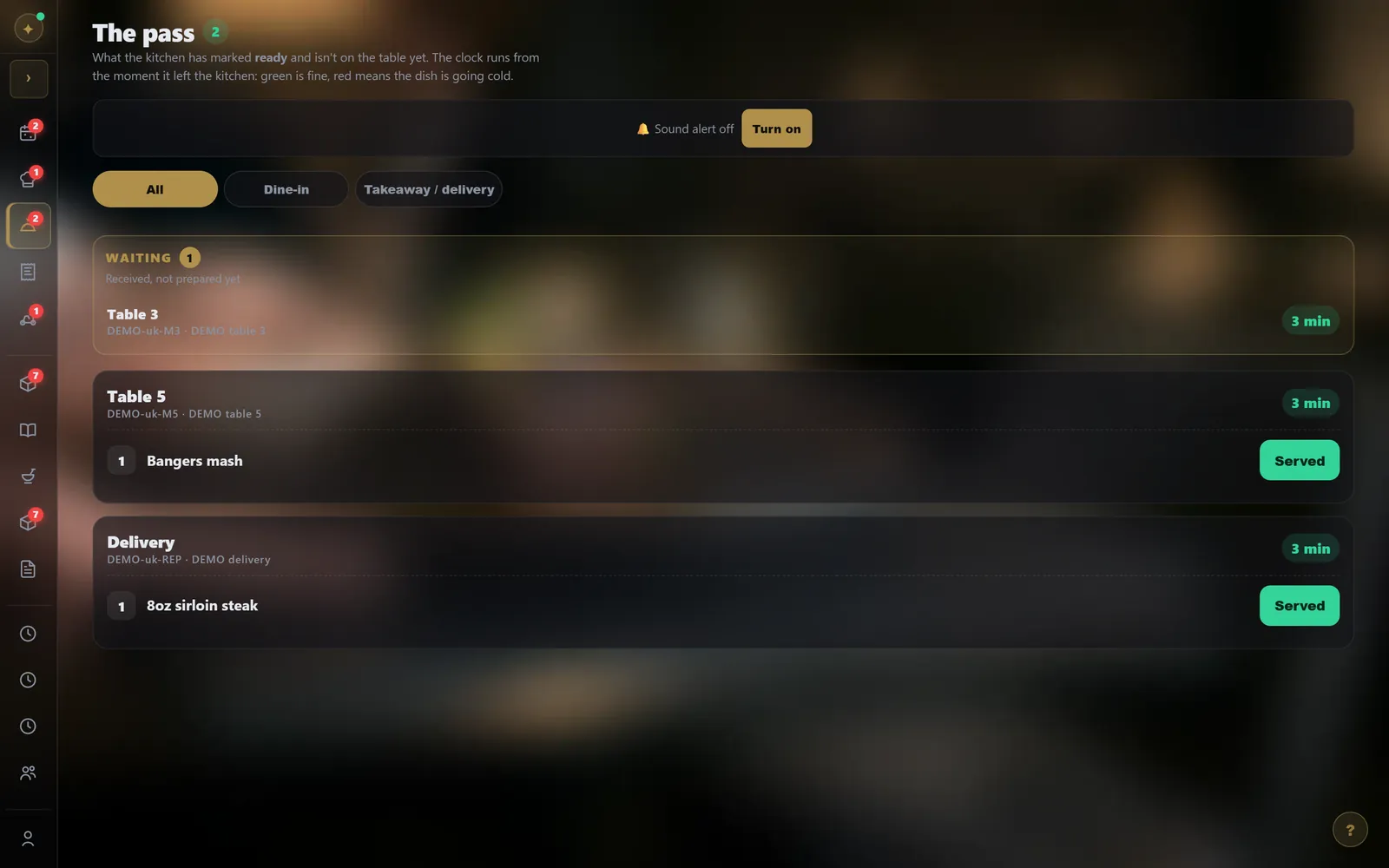
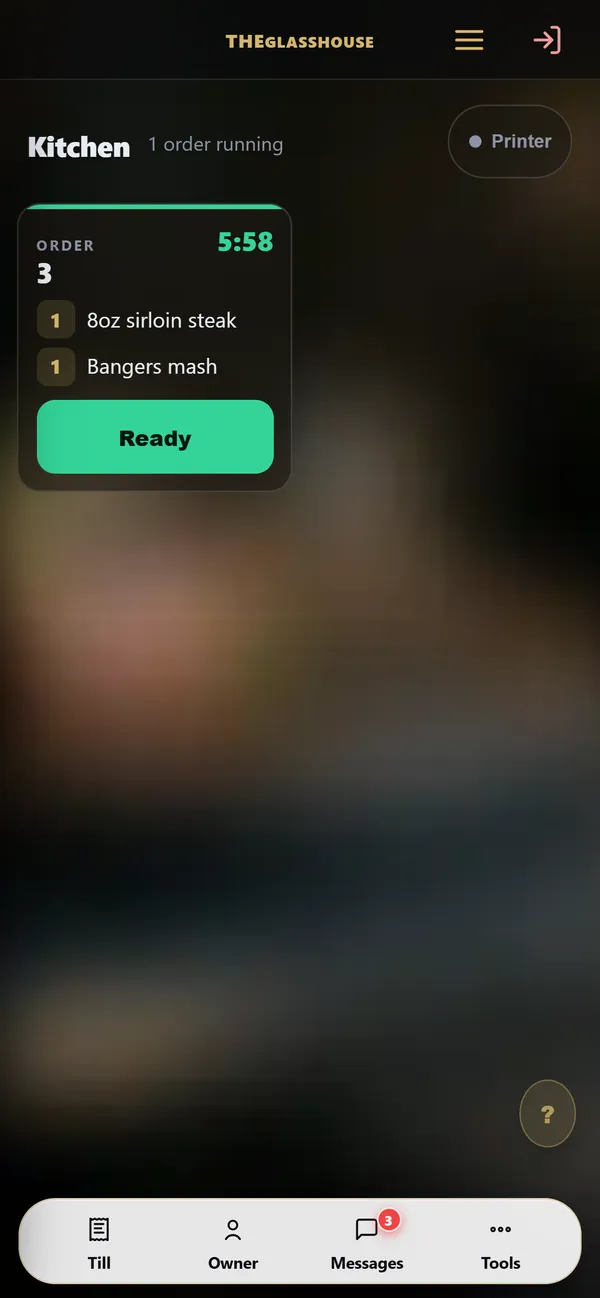
4 / 10Kitchen and passThe order goes to the kitchen; at the pass, you see what is ready and how long it has been waiting.
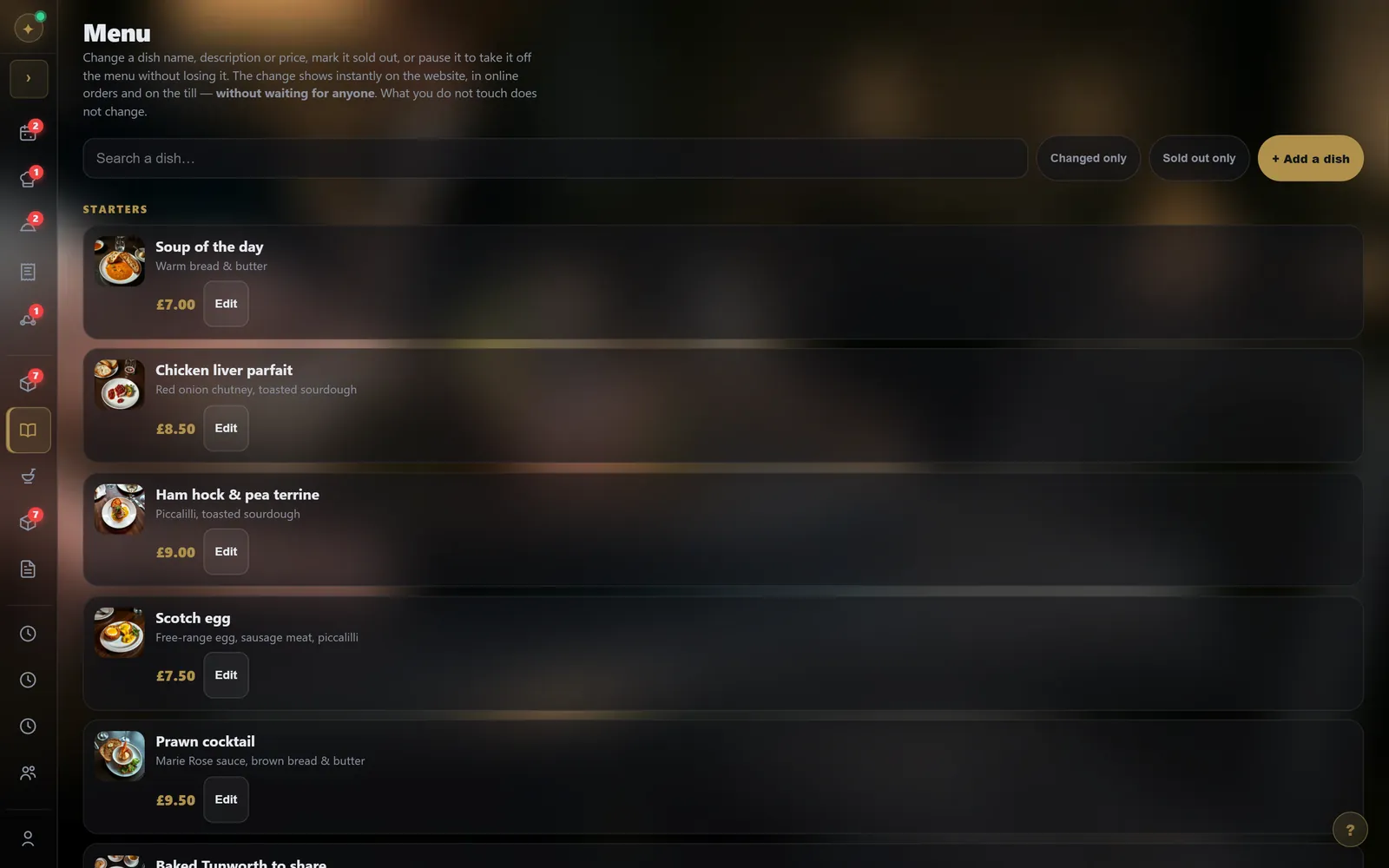
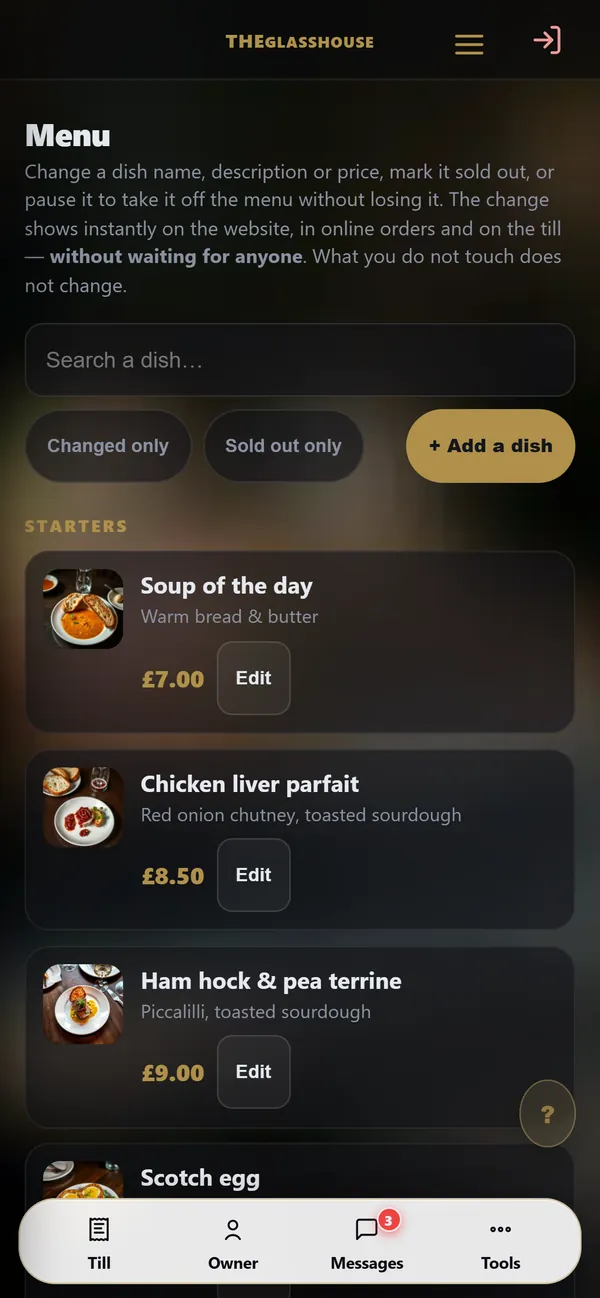
5 / 10Your menuA price, a dish sold out, a photo: you change it, and the website and till follow instantly.
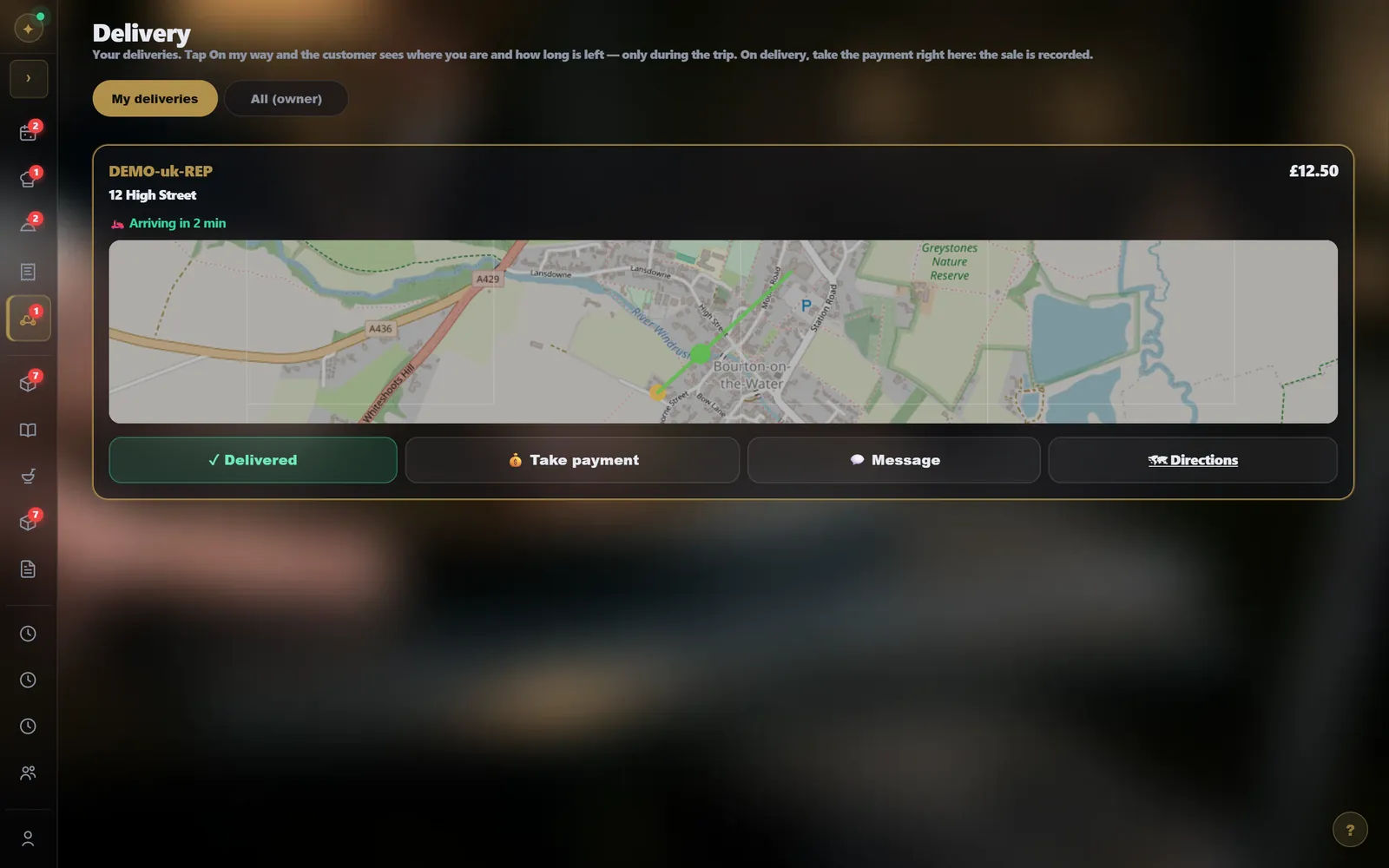
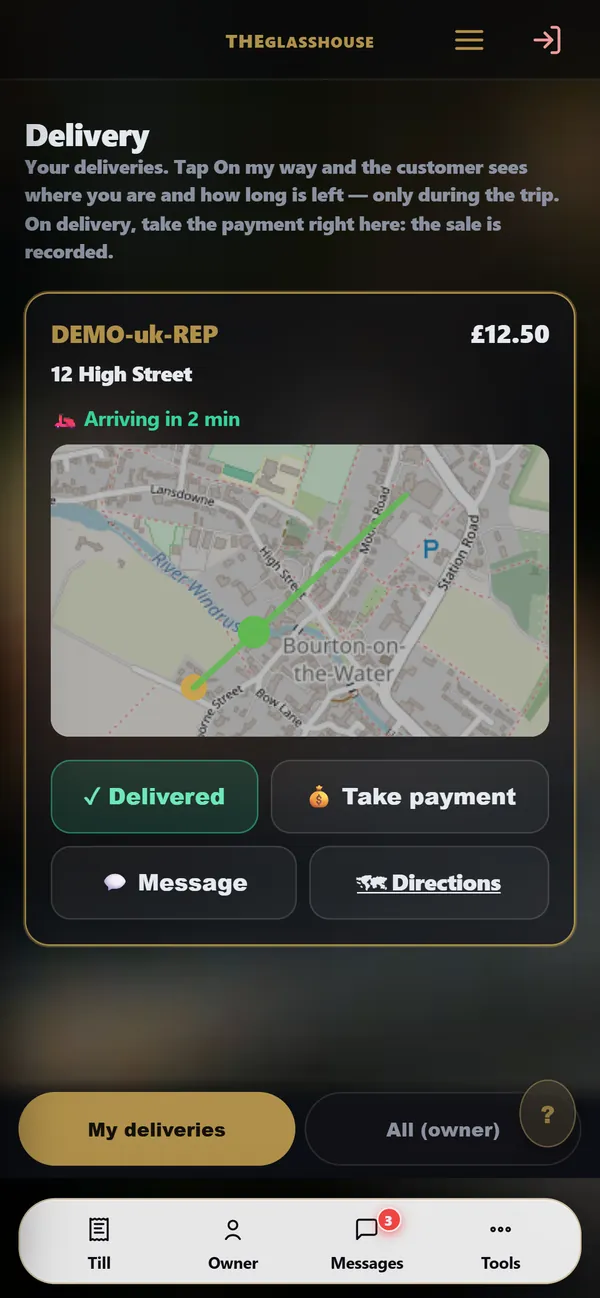
6 / 10DeliveryThe customer follows the driver during the trip; at the door, you take payment and the sale is recorded.
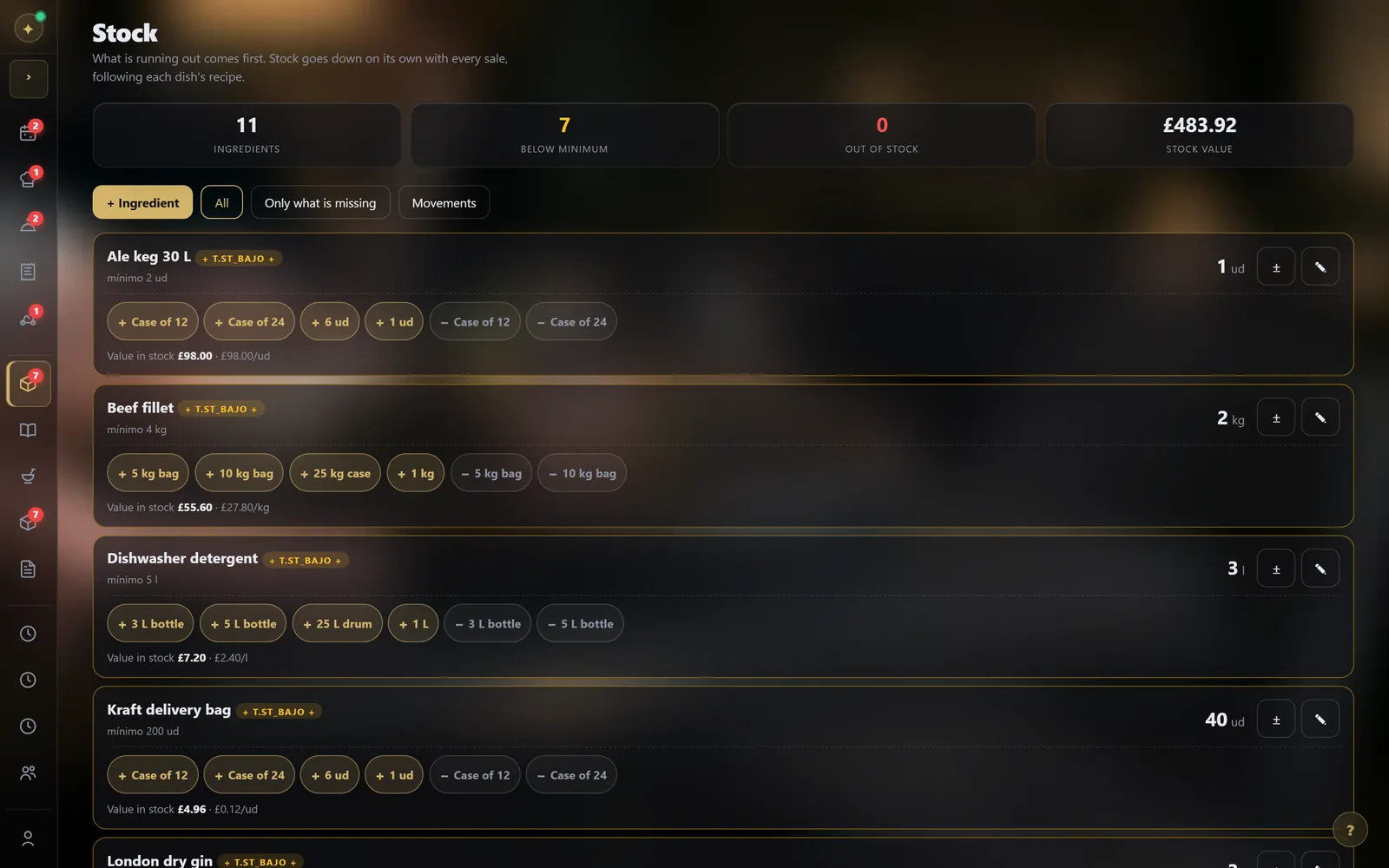
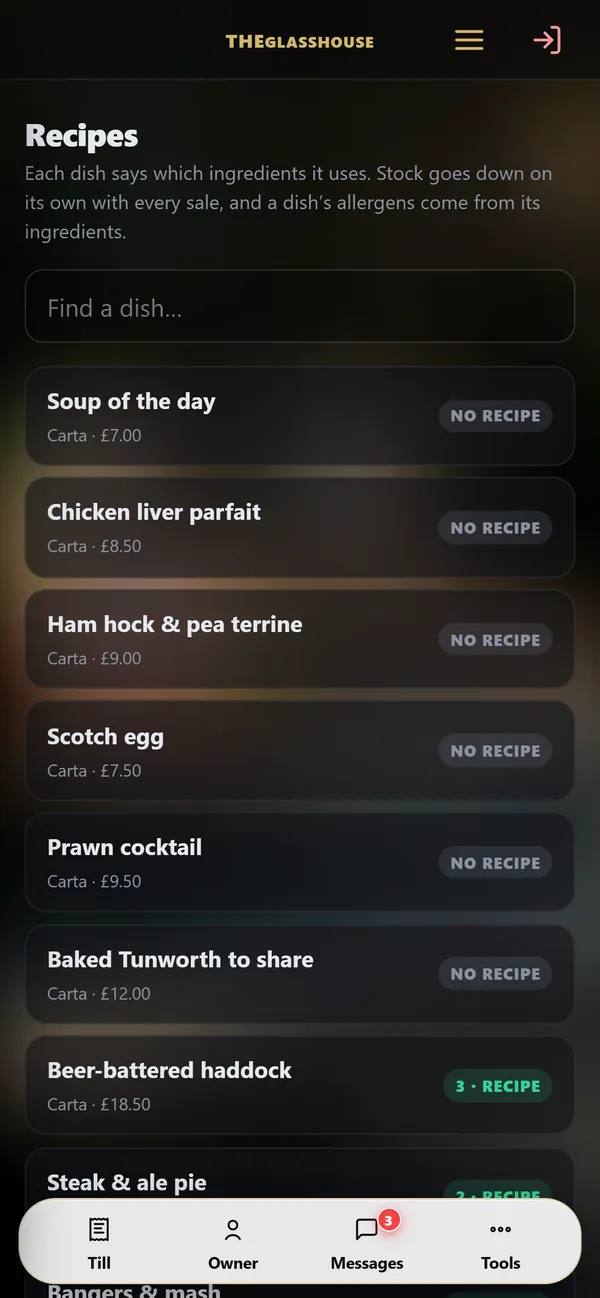
7 / 10Stock and recipesStock goes down by itself with every sale, following each dish’s recipe.
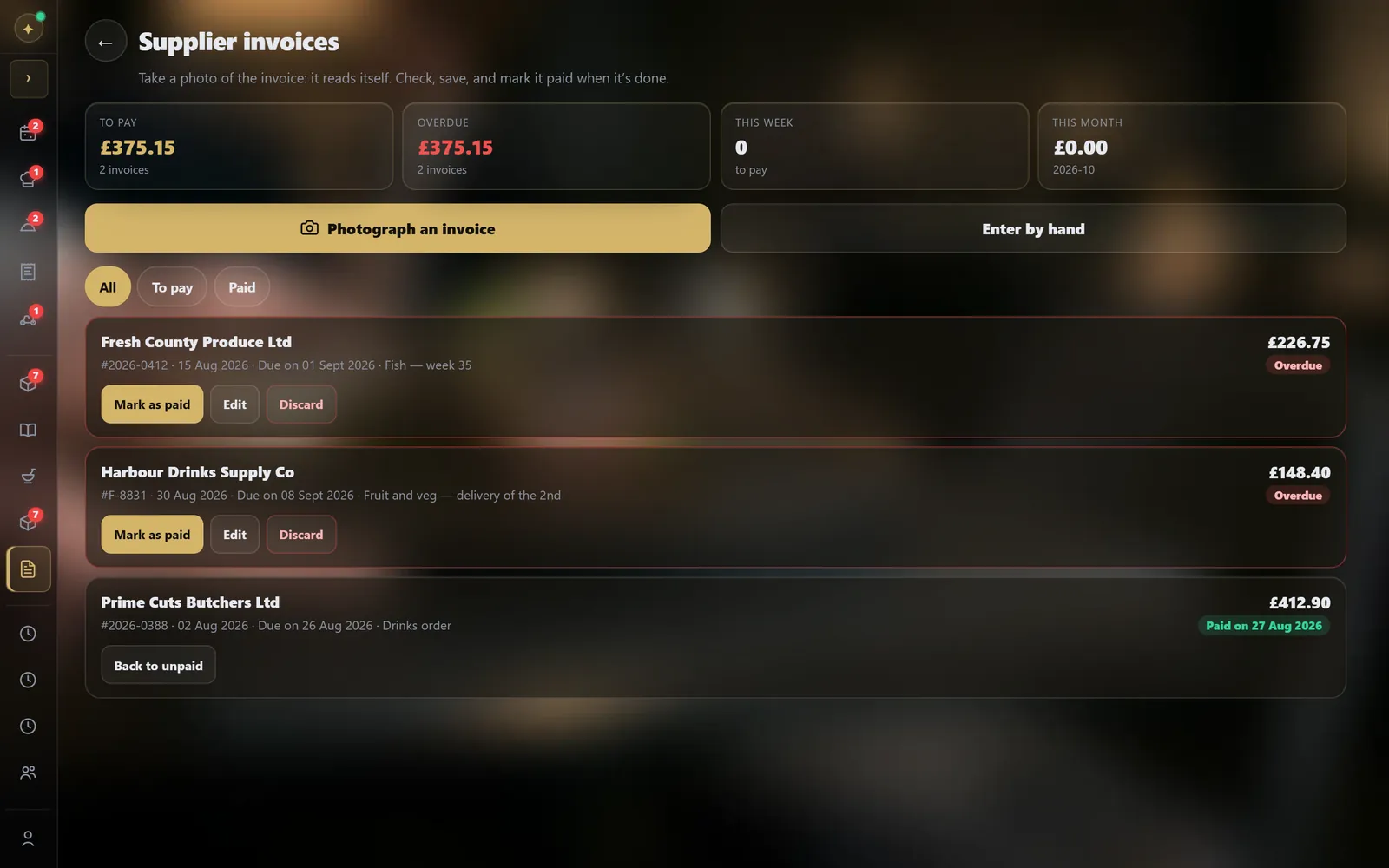
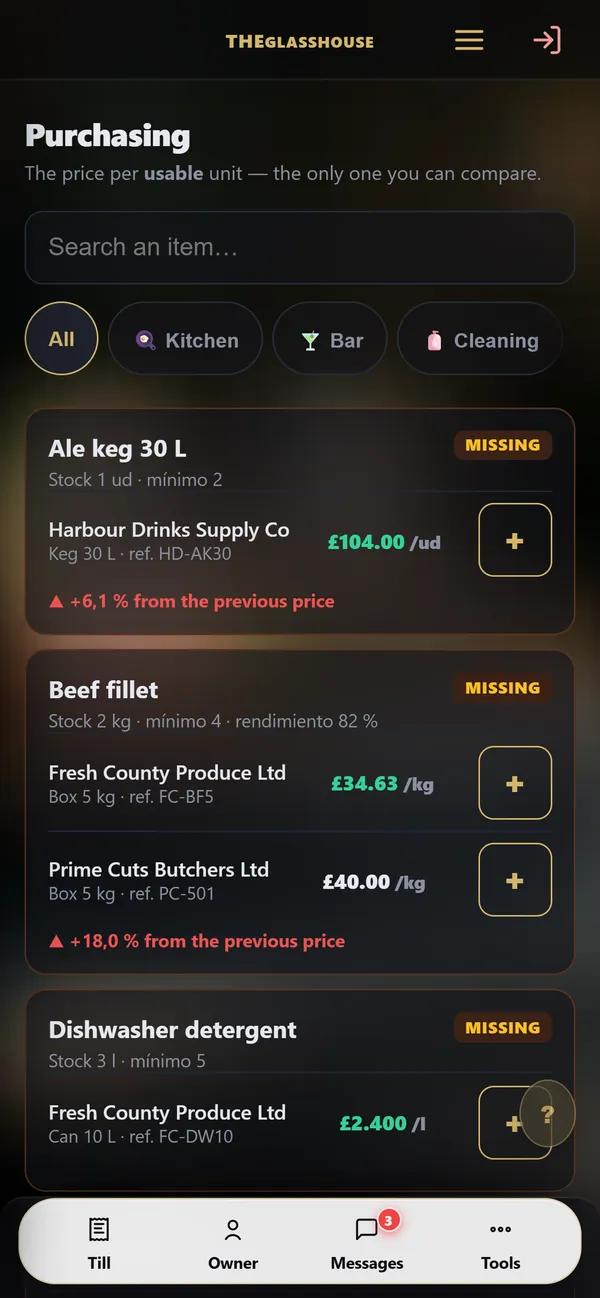
8 / 10Purchasing and suppliersOrder from your suppliers; photograph their invoice: it reads itself, you check it, it is filed.
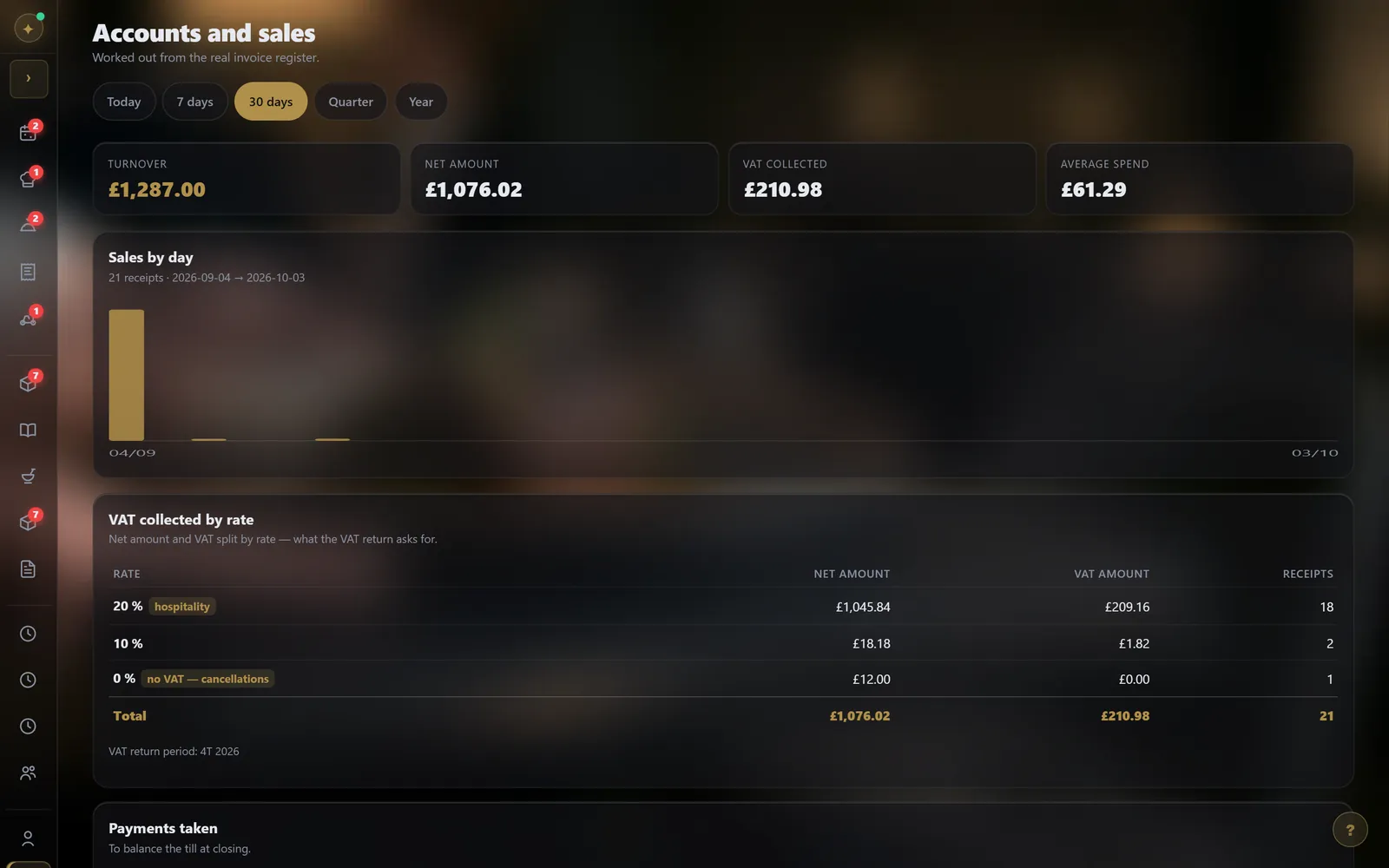
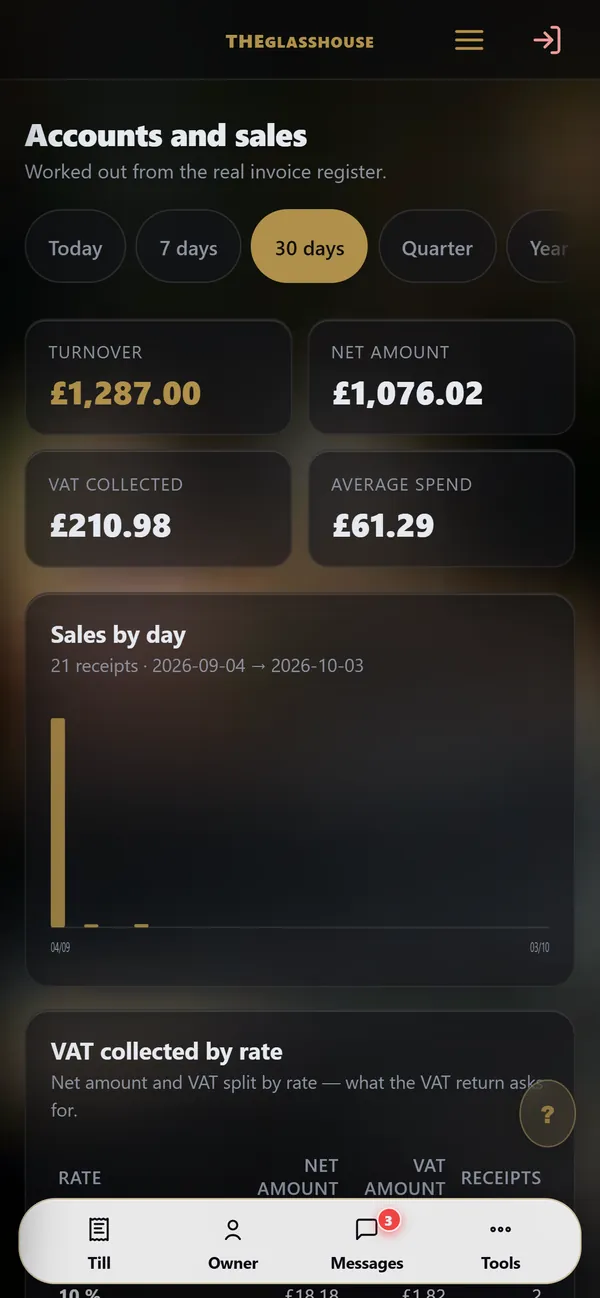
9 / 10The figuresTakings, VAT by rate, sales per day: worked out from the real sales record.
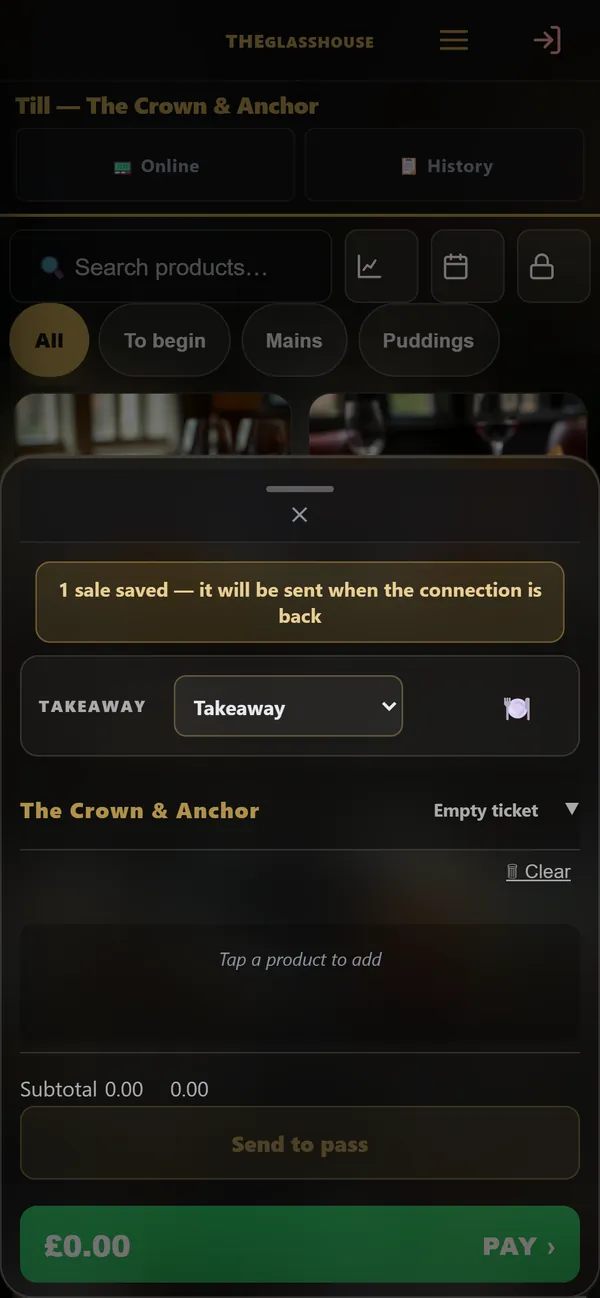
10 / 10No internetConnection down? The till keeps taking payments: the sale waits on the device and sends itself when the connection is back.
What's included
Prepare the shifts
Organise your restaurant team’s shifts in the schedule. A planned shift describes what is expected; it does not replace a record of hours actually worked.
Compare with time records
A scheduled start and a recorded clock-in are different pieces of information. Keep both when reviewing differences before preparing payroll information.
Setup for your business
The demonstration uses a fictional business. Access, data, retention rules and your country’s requirements must be configured before real use.
View the tool and its offer →Pricing
A POS Ultra module: see the offers and your country profile. No separate time-clock subscription is offered here.
Frequently asked questions
Does this tool replace legal checks?
No. Documents, access and data use must fit your business and your country. The demonstration shows the journey; it does not certify your installation.
Read more on this topic
- SEO explained simply: what it is and what it changes for your business — SEO is what makes a customer who searches for what they need on Google land on you rather than someone else. Explained without jargon: what Google looks at, what moves you up, and what you should never believe.
- The quote that goes out before your competitor’s — On building work it is not always the cheapest who wins: it is often the first to answer. How an automated quote on your site prices the job while the customer is still reading, and what that changes.
- Changing a price on your website without asking permission — Waiting three days and paying a quarter of an hour of labour to fix a price is daily life for many businesses. What a content editor changes, and what it really costs.
- The appointments you lose while you are working — A customer who calls while your hands are busy rarely calls back: they call the next place. What an online booking calendar on your own site fixes, what it costs, and why the booking must belong to you.
- Ultra POS: till, kitchen and ordering in one system — Delivery platforms take up to 30% of the basket, and the till, the website and online ordering are usually three separate subscriptions. What Ultra POS brings together, and what it changes on the bottom line.
- Finally knowing which page actually works for your business — Most owners pay for a website without ever knowing what it does. What visitor tracking shows, what it lets you stop paying for, and why a Google position alone proves nothing.