Overdue invoices
Find overdue invoices and prepare payment reminders
The invoice number, amount and due date are already in the message. Check the payment and recipient, then send your reminder.
See the features ↓This demo is in French.
What it changes for you
An invoice is overdue and you keep putting off the reminder. Gestion Ultra brings outstanding invoices and due dates together, then prepares a message with the number, amount and document link. Check the payment and recipient before sending by email, WhatsApp or text; the reminder stays in the customer record.
See it in action
The real demo screens, on a computer and on a phone. Fictional data.This demo is in French.
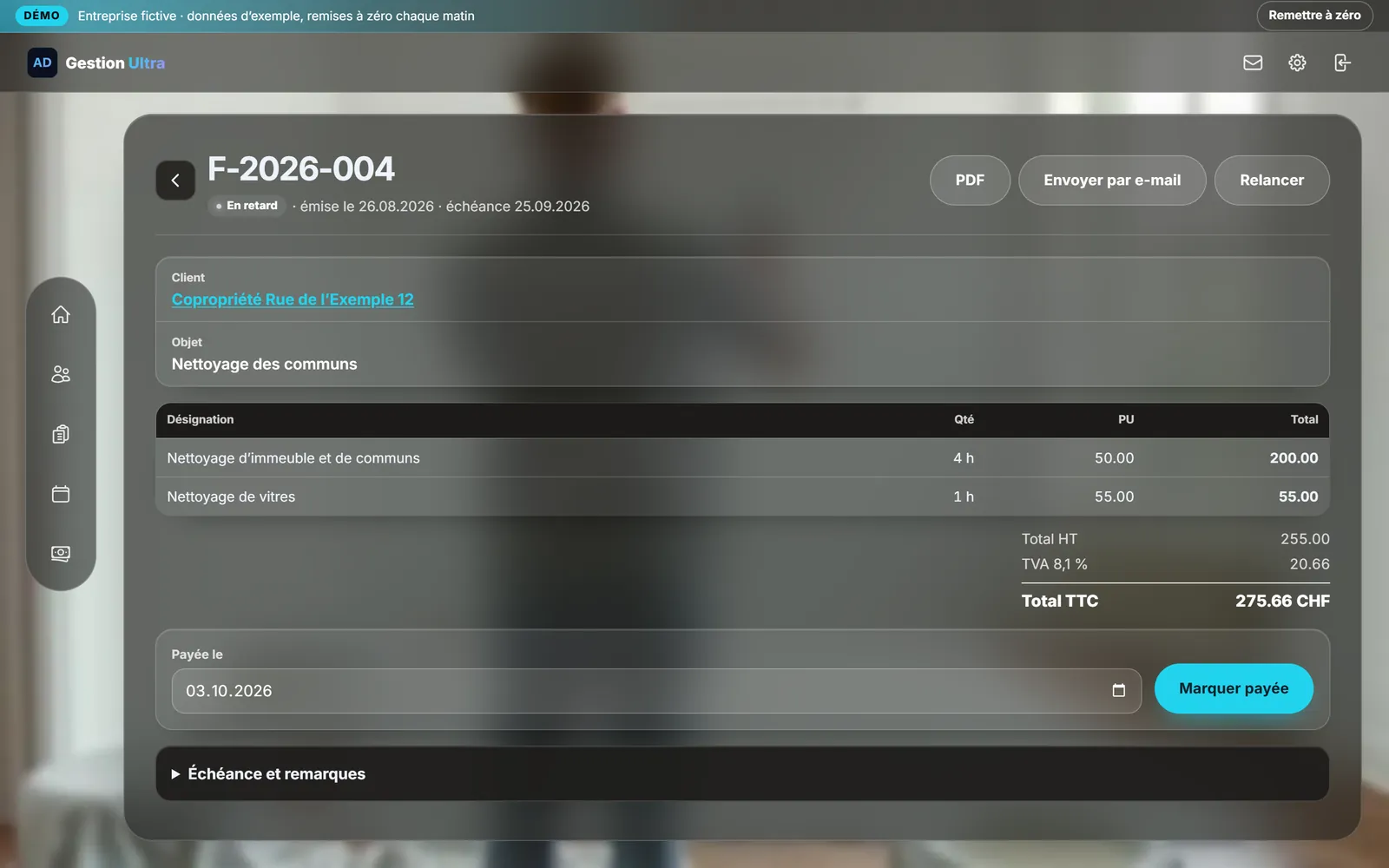
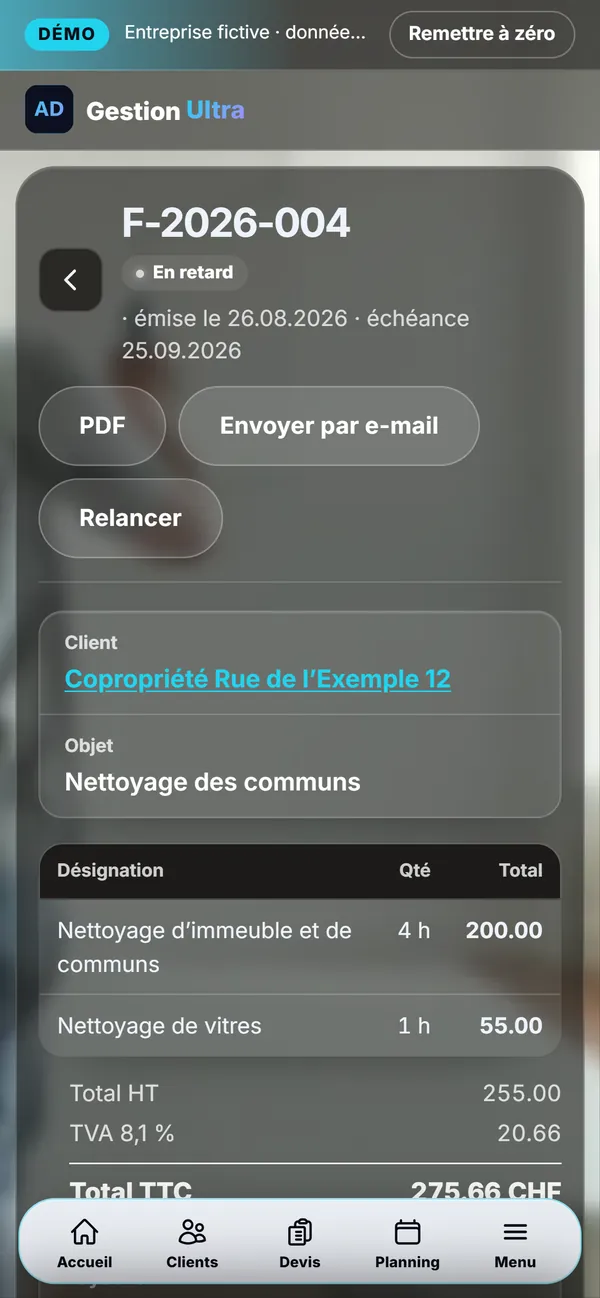


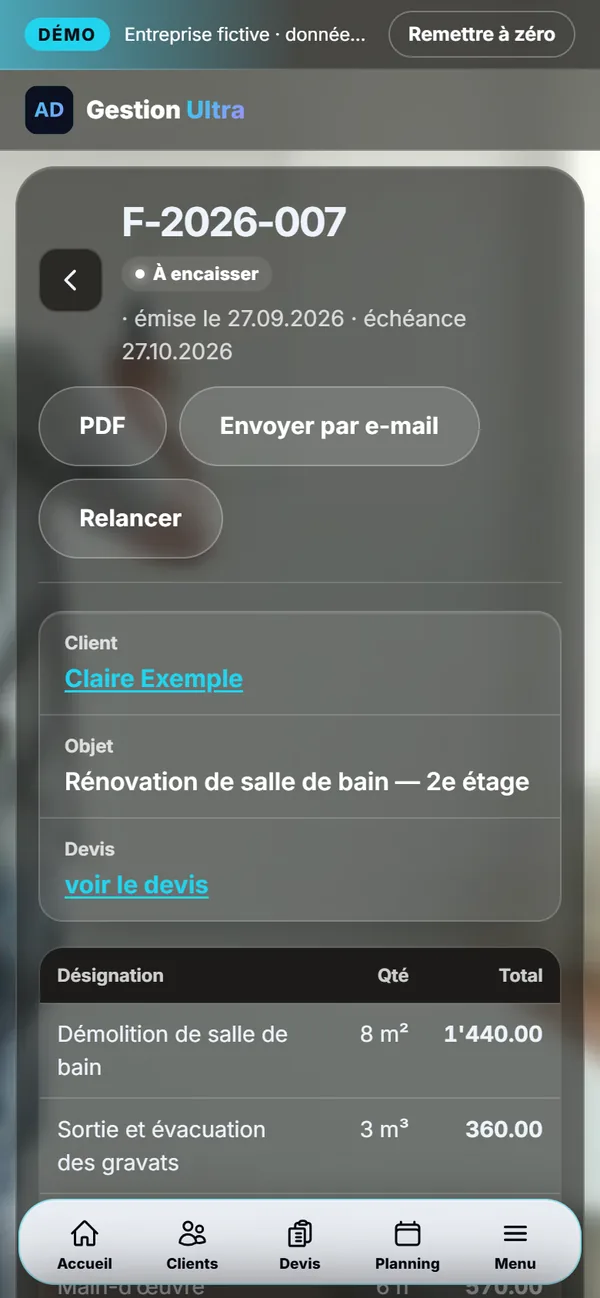
1 / 8Invoice and reminderAn invoice with a Swiss QR code; if it is overdue, “Remind” drafts the message and you send it by email, WhatsApp or text.
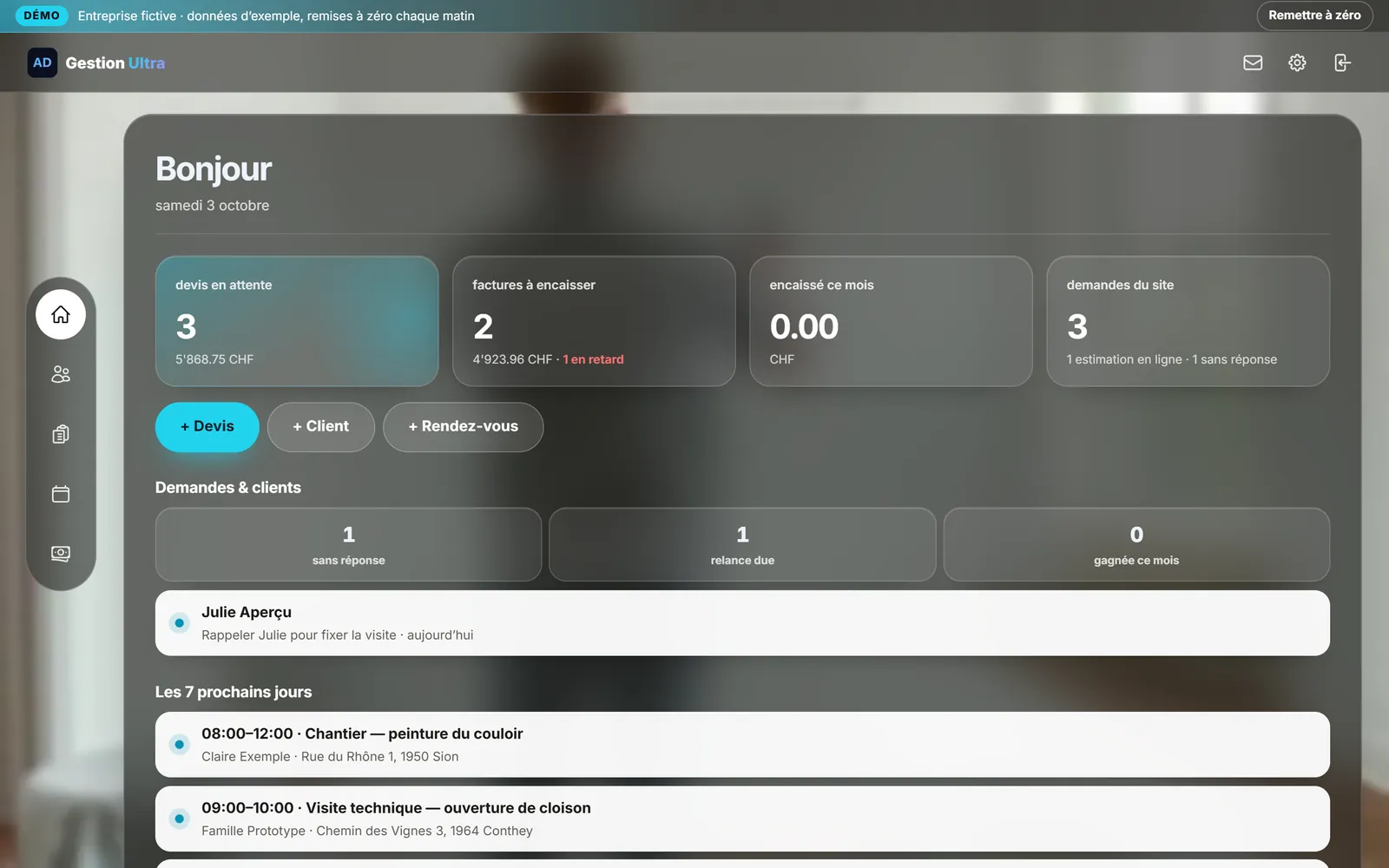
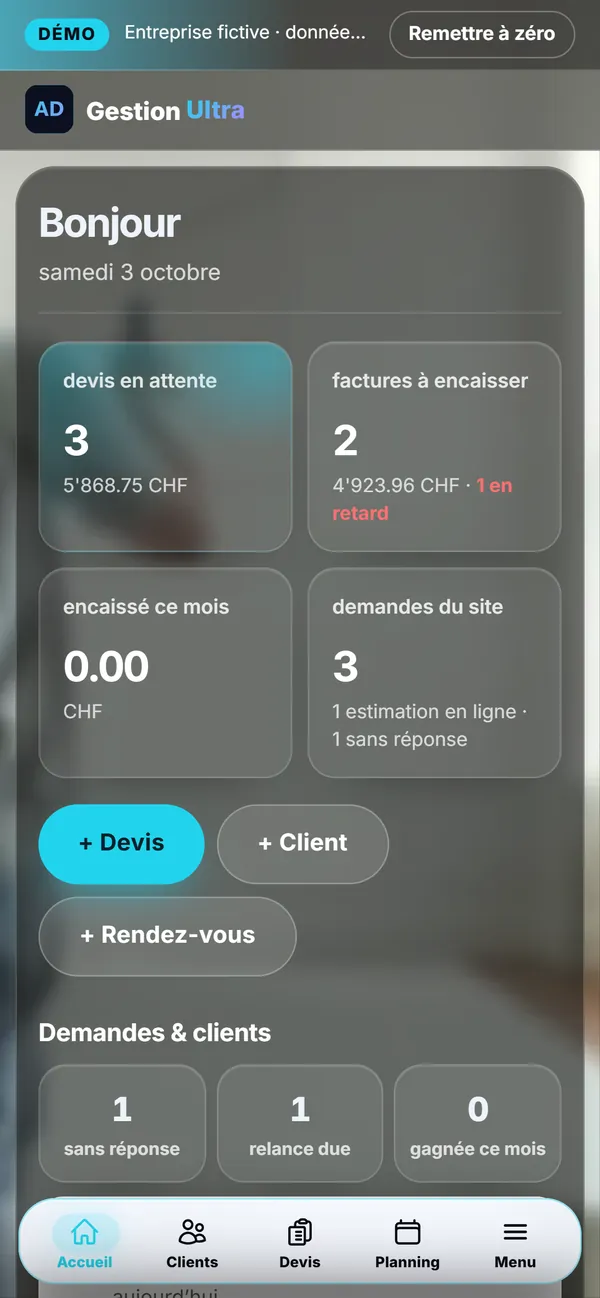
2 / 8The dashboardQuotes awaiting a reply, invoices to collect, website enquiries and this week’s appointments, as soon as you open it.
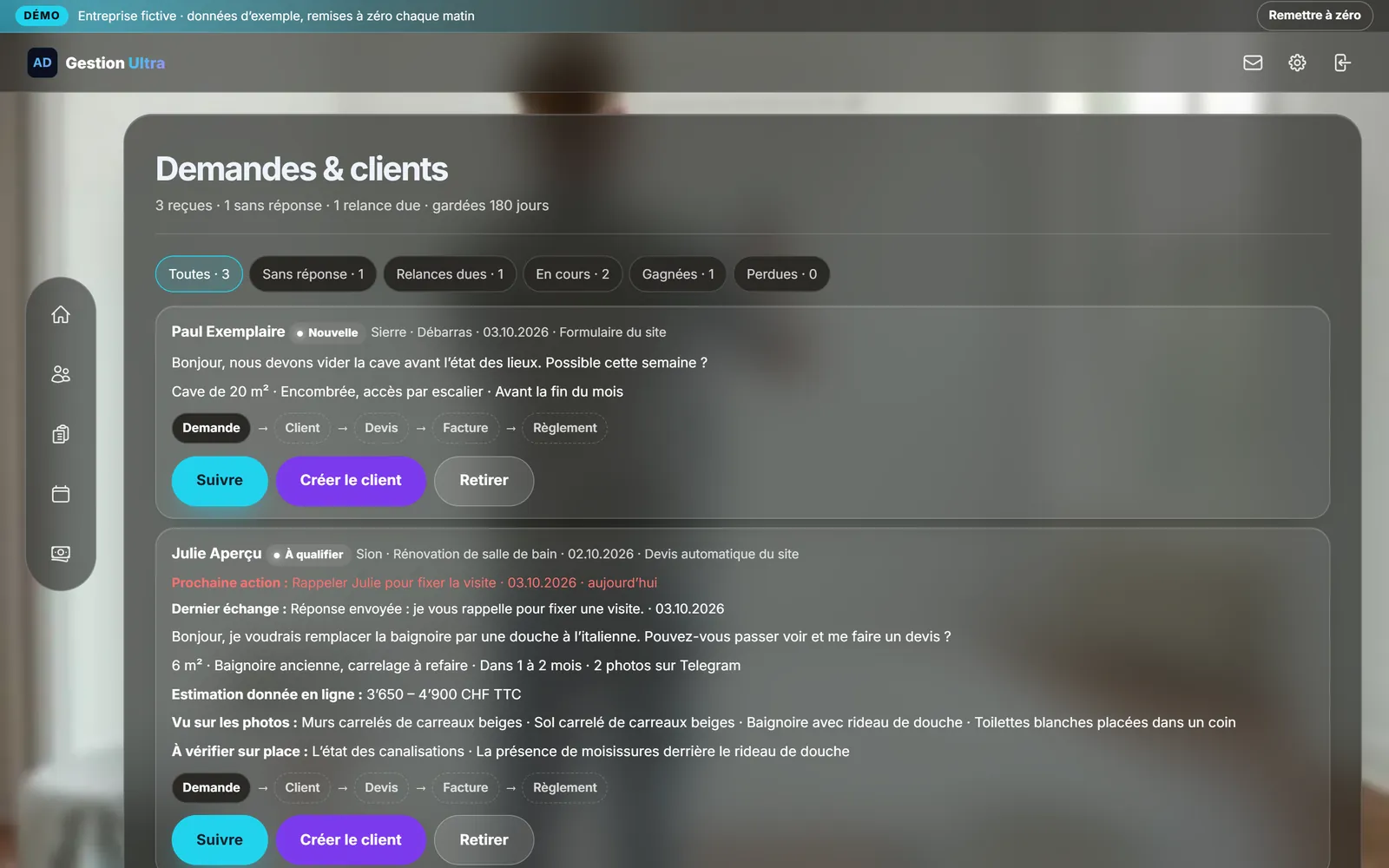
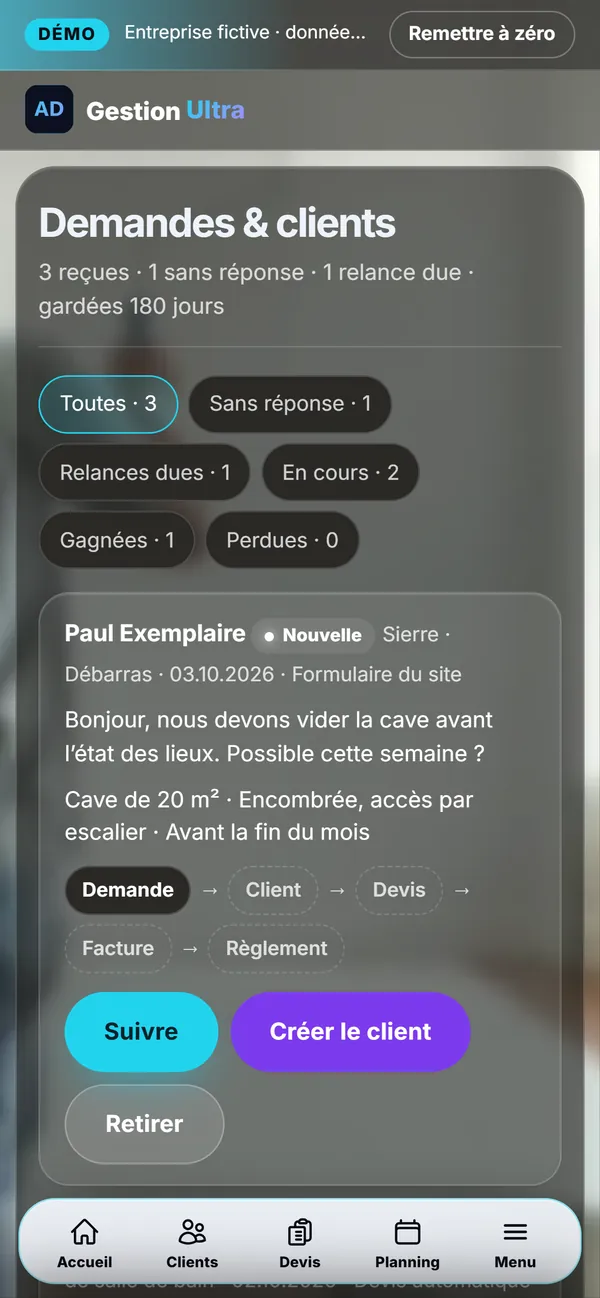
3 / 8Website enquiriesEvery enquiry arrives with its message and its follow-up: customer, quote, invoice, payment.
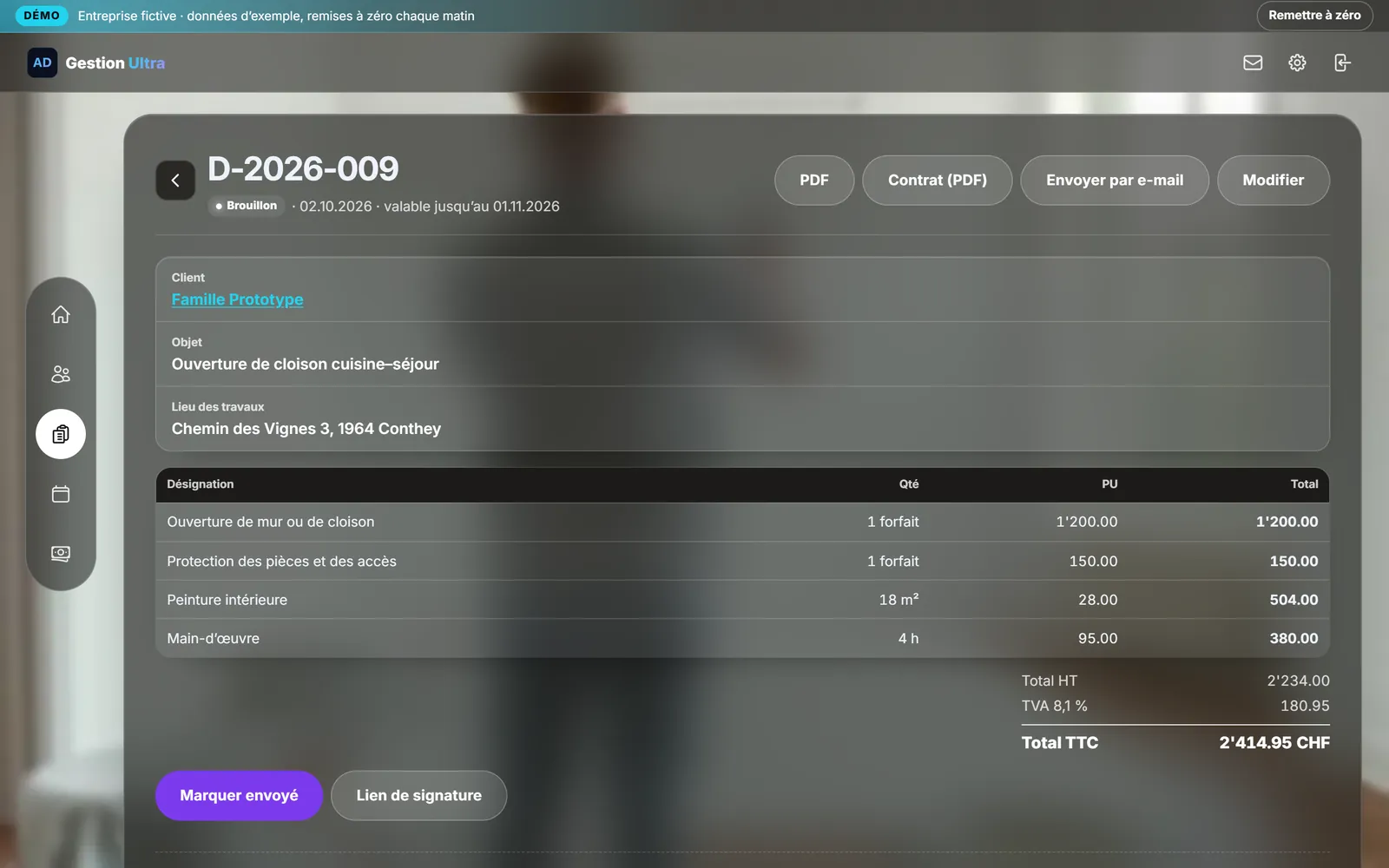
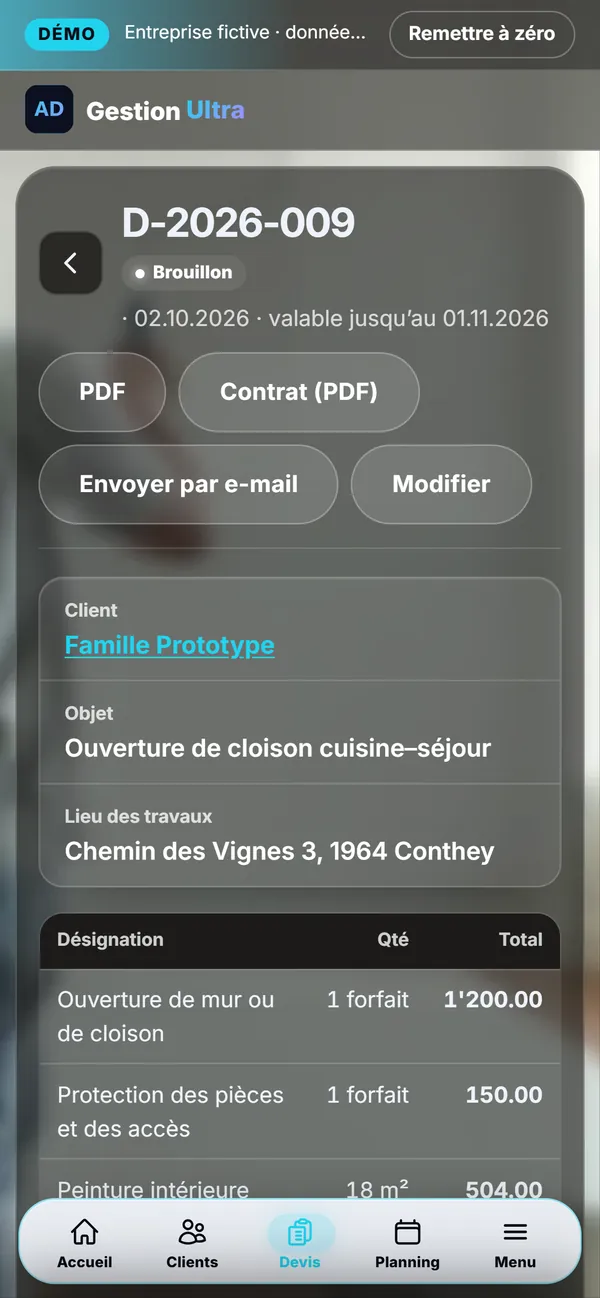
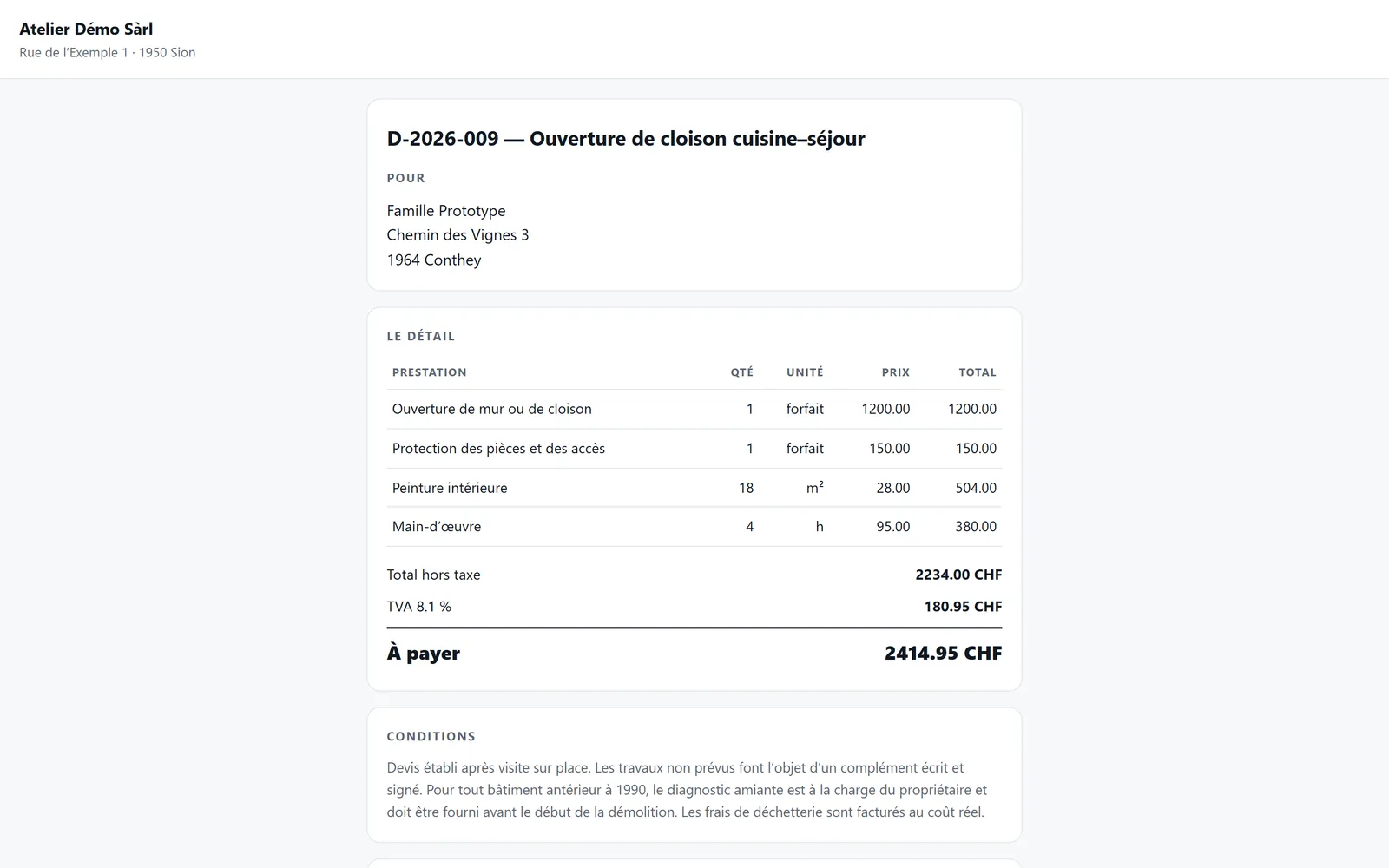
4 / 8The quoteYour lines, your prices, the VAT: the quote goes out as a PDF or by email, then becomes an invoice without retyping.
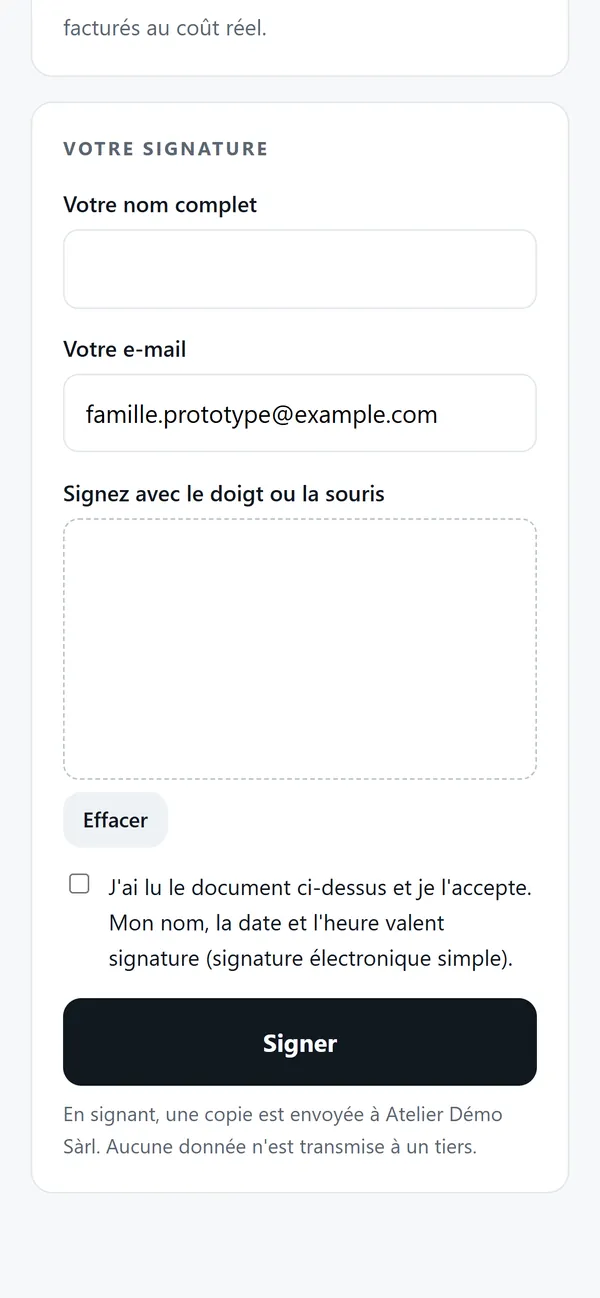
5 / 8Online signatureOne link: the customer reads the quote and signs with a finger; the amounts are locked and the signed quote comes back into your workspace.
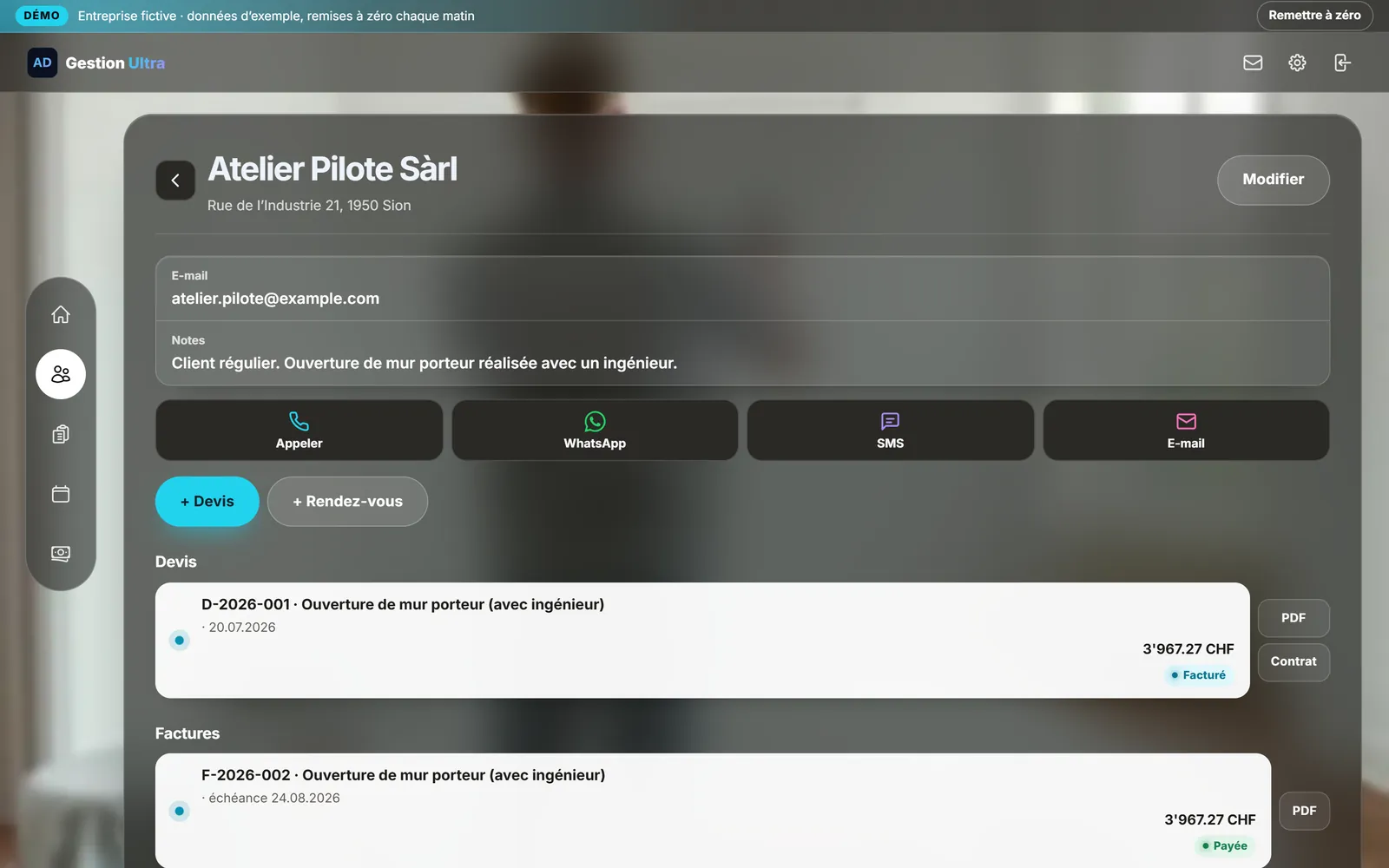
6 / 8The customer recordContact details, notes, quotes and invoices; call, WhatsApp, text or email without leaving the record.
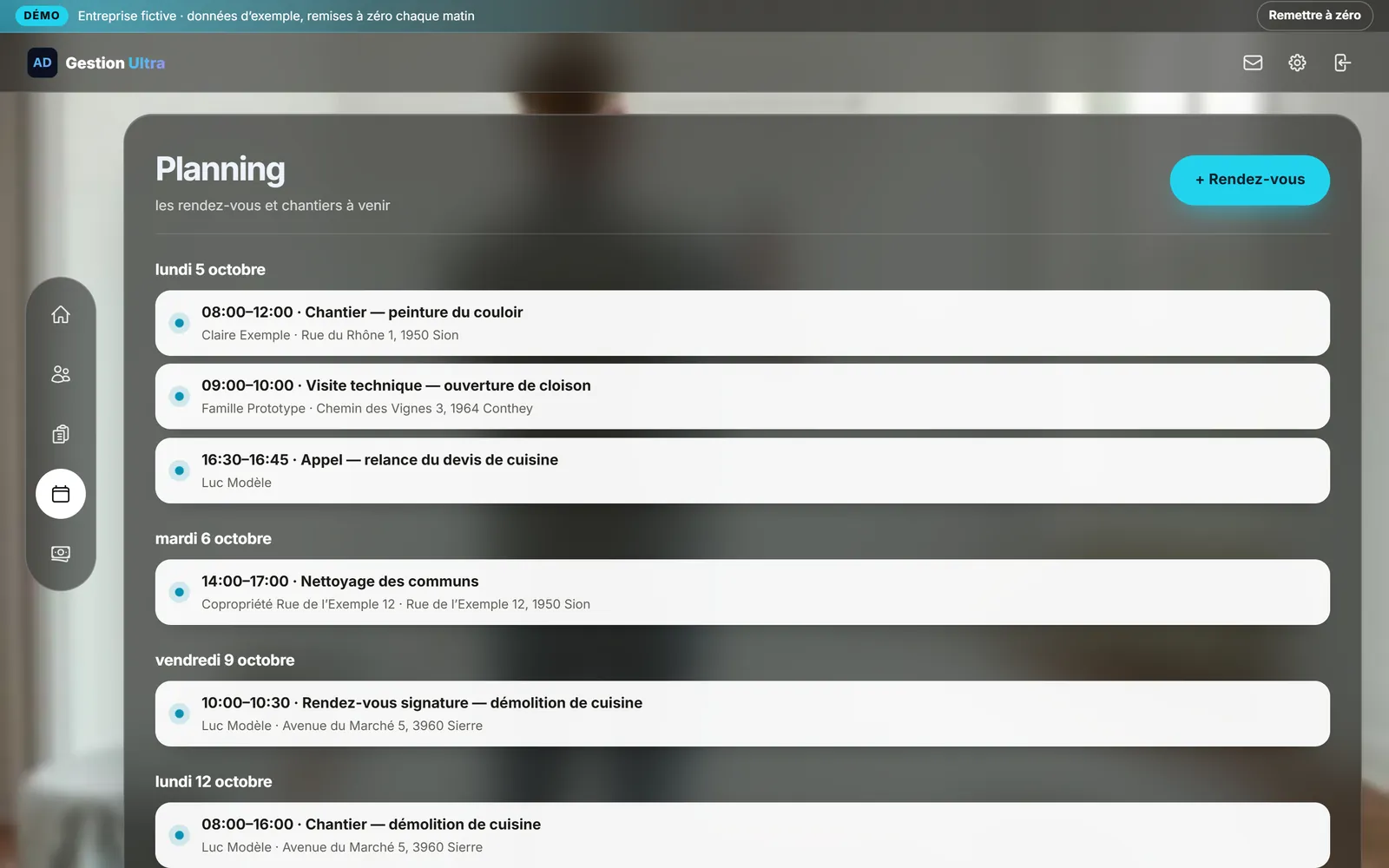
7 / 8The scheduleThis week’s jobs, site visits and appointments, each with its address.
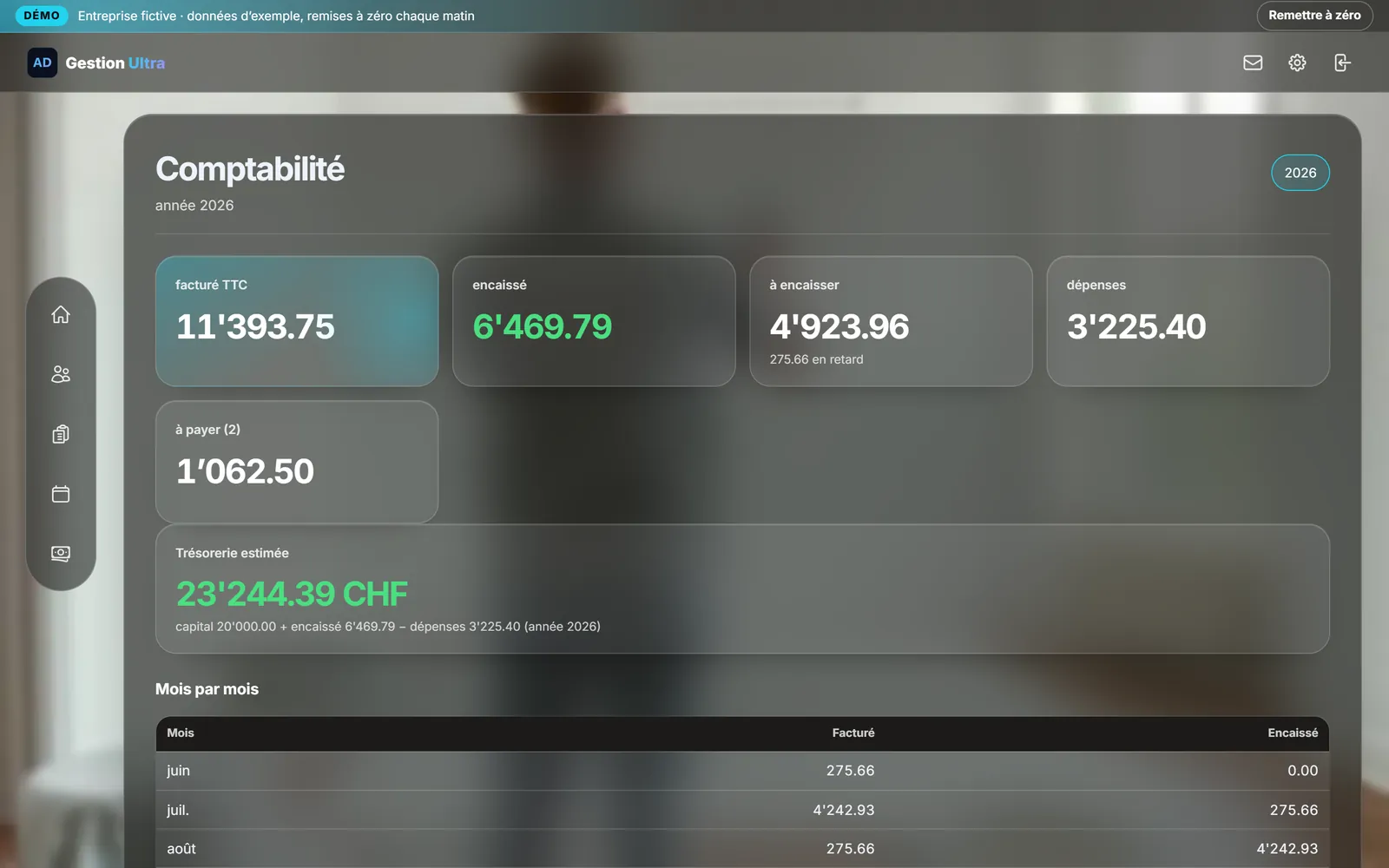
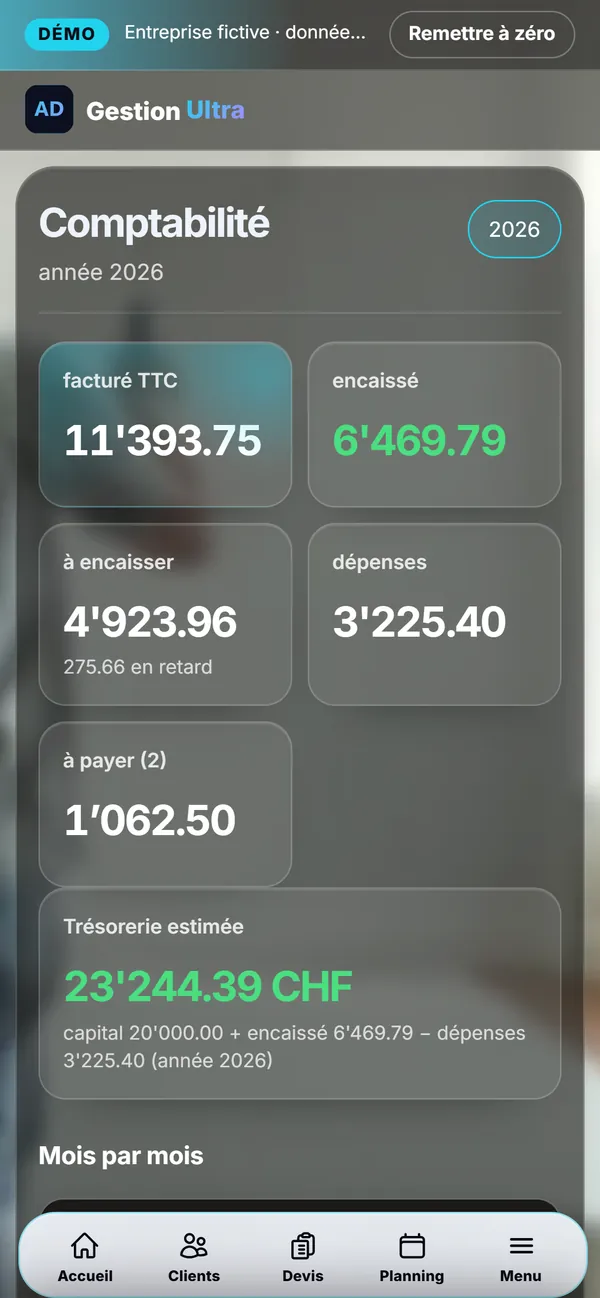
8 / 8The accountsInvoiced, collected, still to collect, expenses and estimated cash: the year at a glance.
What's included
See the due dates
Distinguish issued, sent, paid and overdue invoices. Check the payment and recipient before following up: the status helps you decide but does not replace that check.
Choose the right follow-up
Gestion Ultra follows invoices and payments. Salon Ultra also prepares appointment and loyalty messages. Salon messages are prepared for you to review and send.
Setup for your business
The demonstration uses a fictional business. Access, data, retention rules and your country’s requirements must be configured before real use.
View the tool and its offer →Pricing
A Gestion Ultra feature: see the management offer. Bespoke adaptations are quoted separately.
Frequently asked questions
Does this tool replace legal checks?
No. Documents, access and data use must fit your business and your country. The demonstration shows the journey; it does not certify your installation.
Read more on this topic
- SEO explained simply: what it is and what it changes for your business — SEO is what makes a customer who searches for what they need on Google land on you rather than someone else. Explained without jargon: what Google looks at, what moves you up, and what you should never believe.
- The quote that goes out before your competitor’s — On building work it is not always the cheapest who wins: it is often the first to answer. How an automated quote on your site prices the job while the customer is still reading, and what that changes.
- Changing a price on your website without asking permission — Waiting three days and paying a quarter of an hour of labour to fix a price is daily life for many businesses. What a content editor changes, and what it really costs.
- The appointments you lose while you are working — A customer who calls while your hands are busy rarely calls back: they call the next place. What an online booking calendar on your own site fixes, what it costs, and why the booking must belong to you.
- Ultra POS: till, kitchen and ordering in one system — Delivery platforms take up to 30% of the basket, and the till, the website and online ordering are usually three separate subscriptions. What Ultra POS brings together, and what it changes on the bottom line.
- Finally knowing which page actually works for your business — Most owners pay for a website without ever knowing what it does. What visitor tracking shows, what it lets you stop paying for, and why a Google position alone proves nothing.