Website updates
Update your website’s text, photos and opening hours
A price, photo or opening time needs changing? Edit the fields set up for your website, check them and publish from your private area.
See the features ↓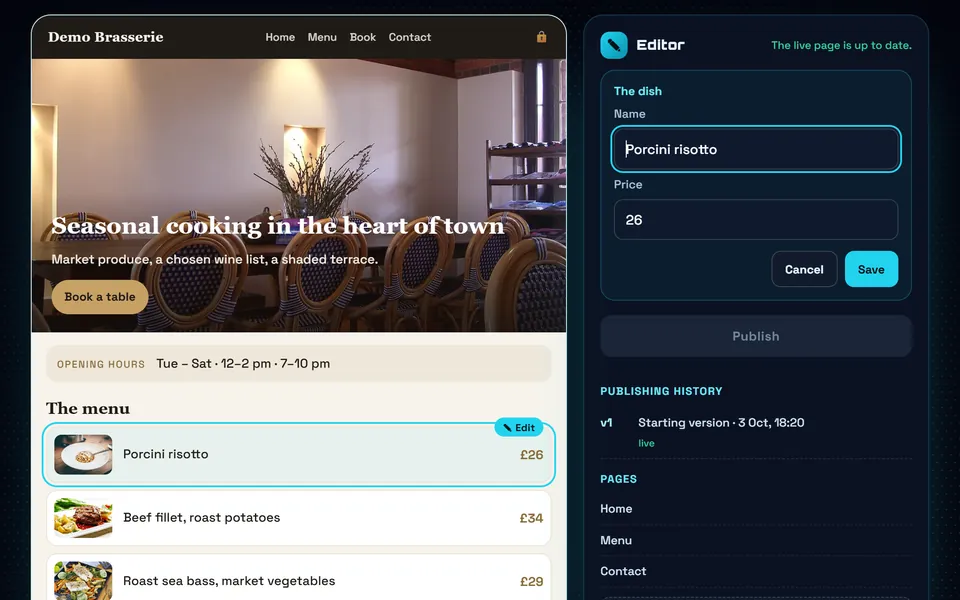
What it changes for you
Your opening hours have changed, but your website still shows the old ones. From your private area, edit the text, photos and prices set up for your website, then check and publish. The layout stays protected, so you can keep the content current without rebuilding the page.
See it in action
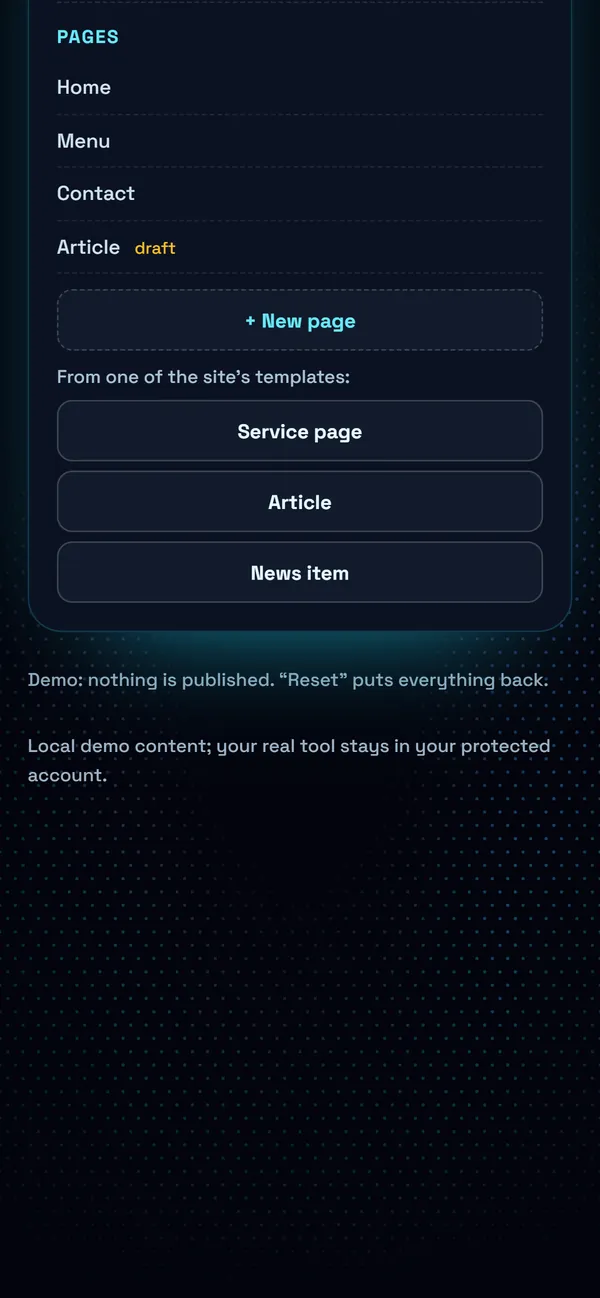
The real demo screens, on a computer and on a phone. Fictional data.
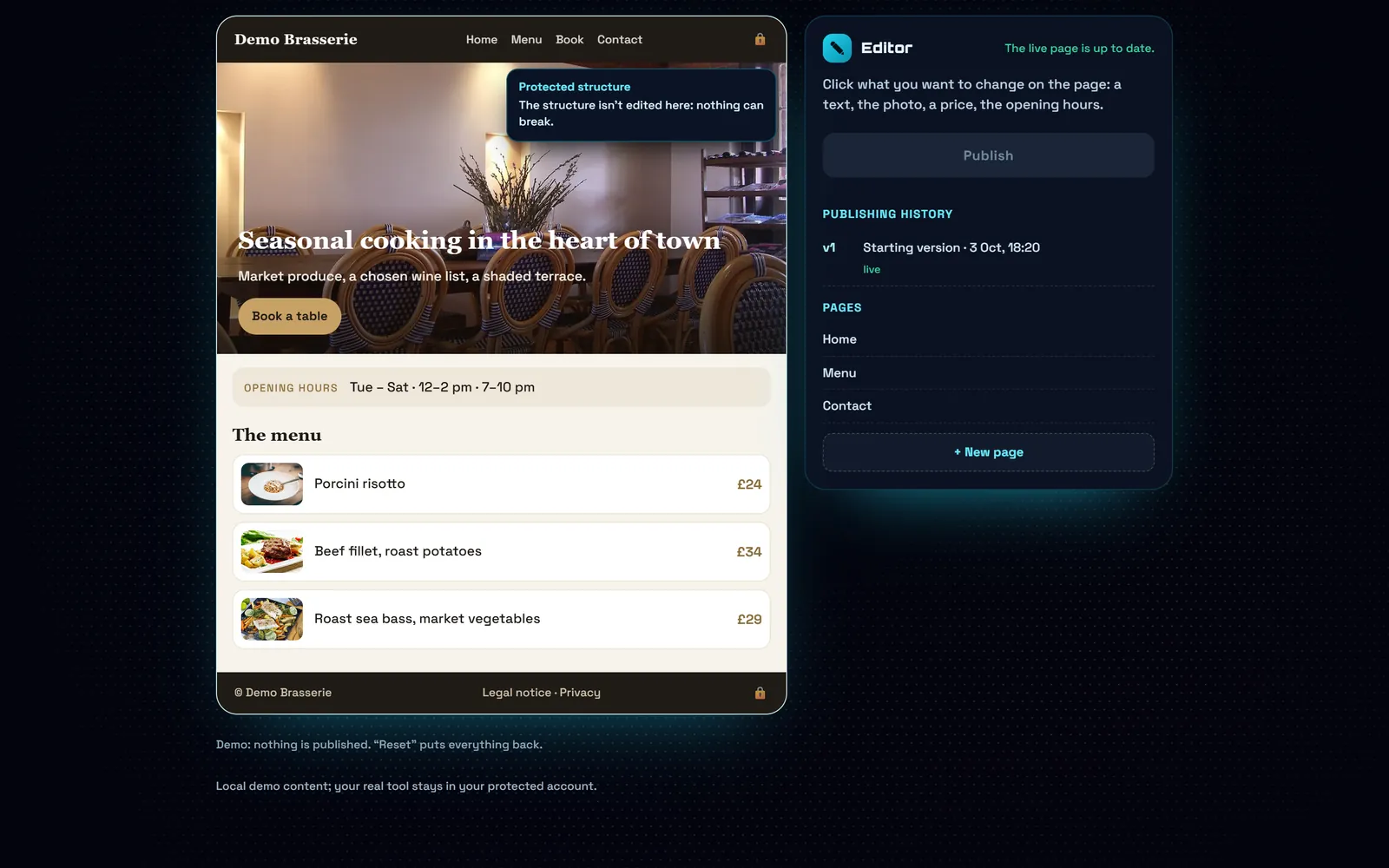
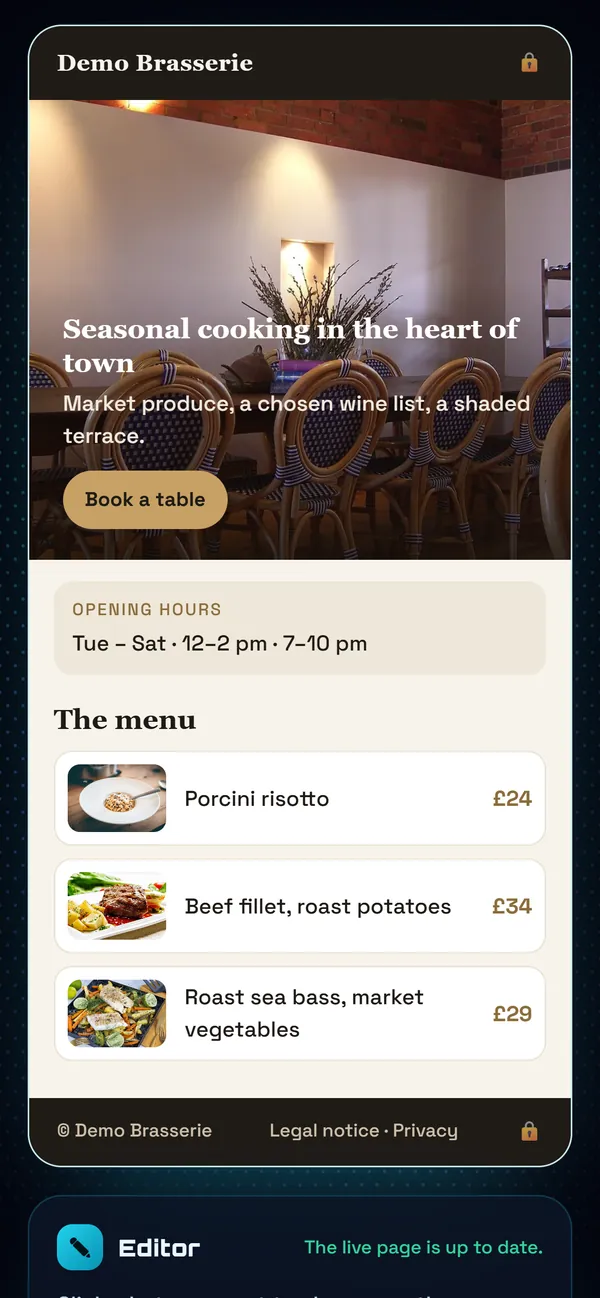
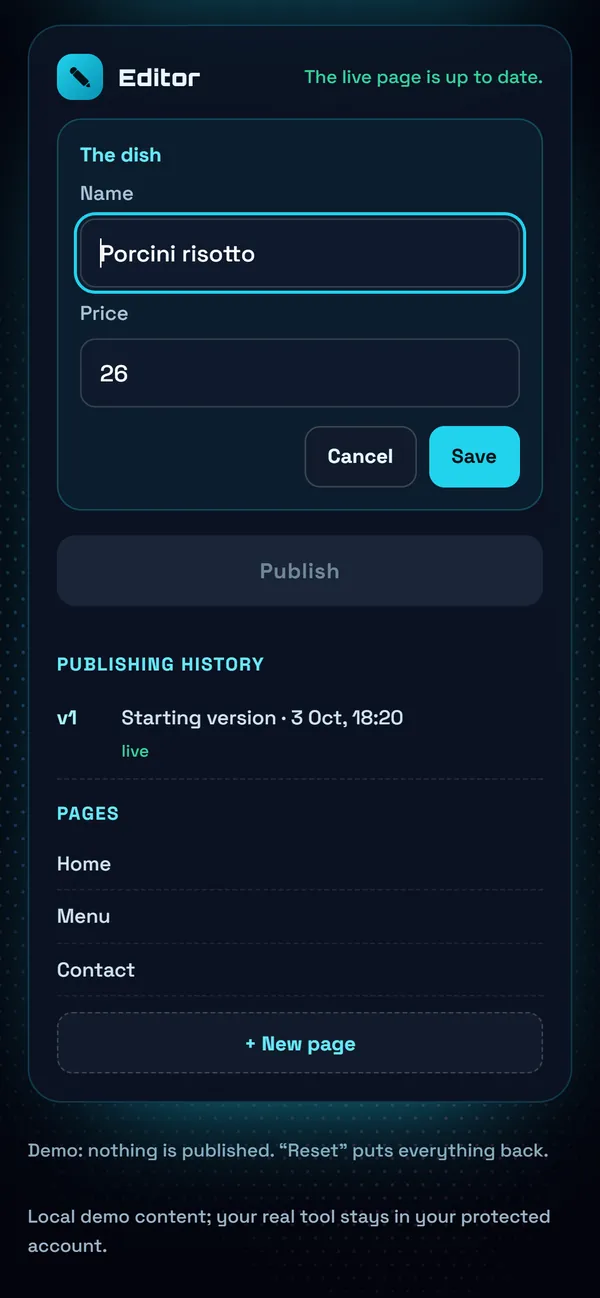
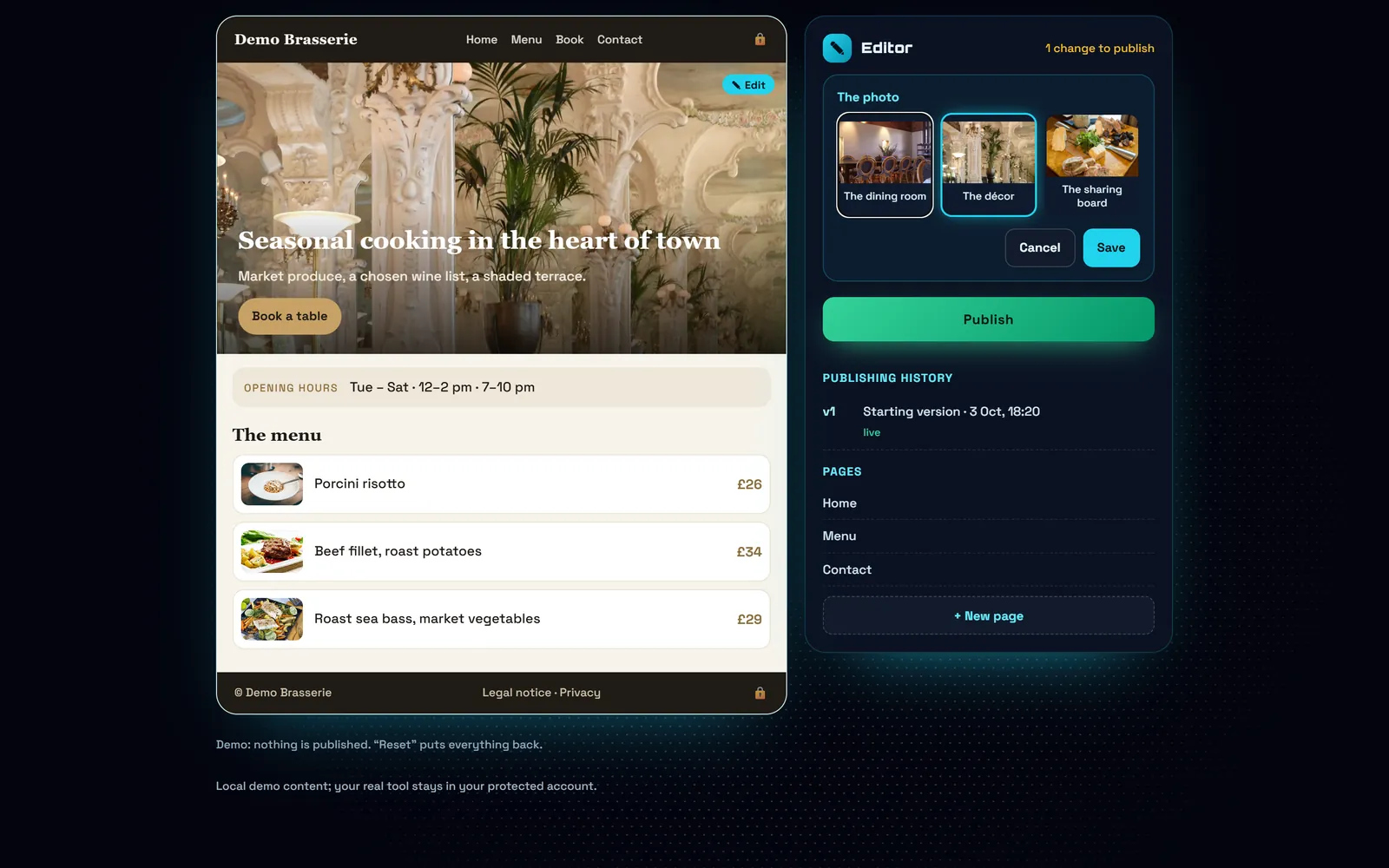
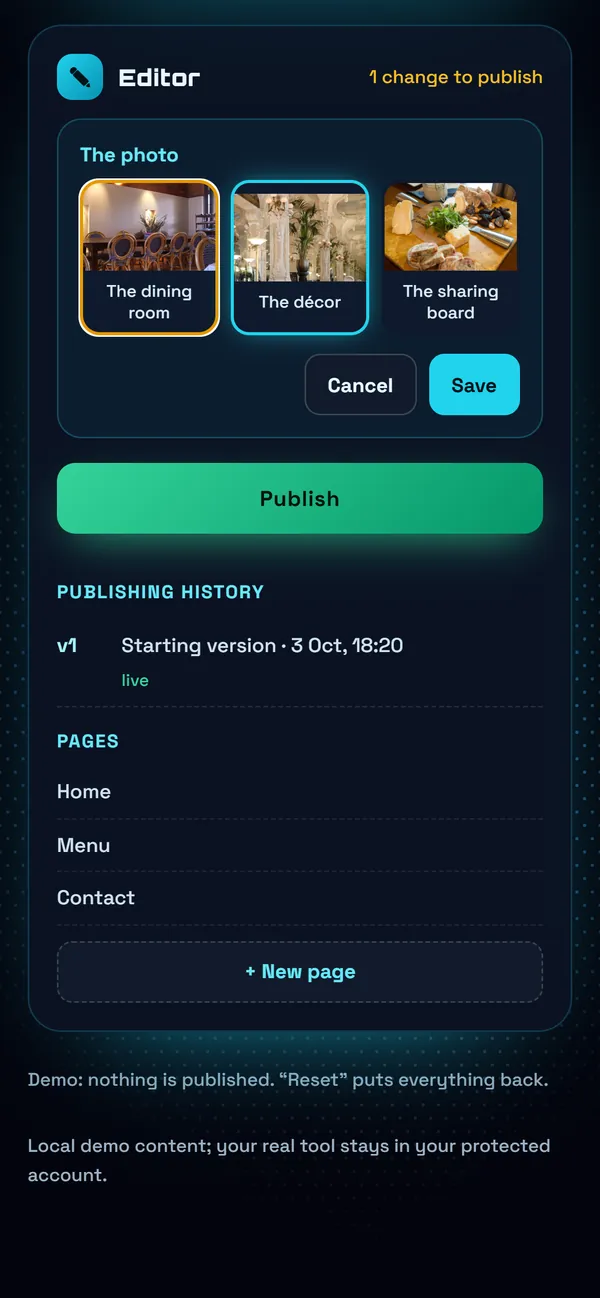
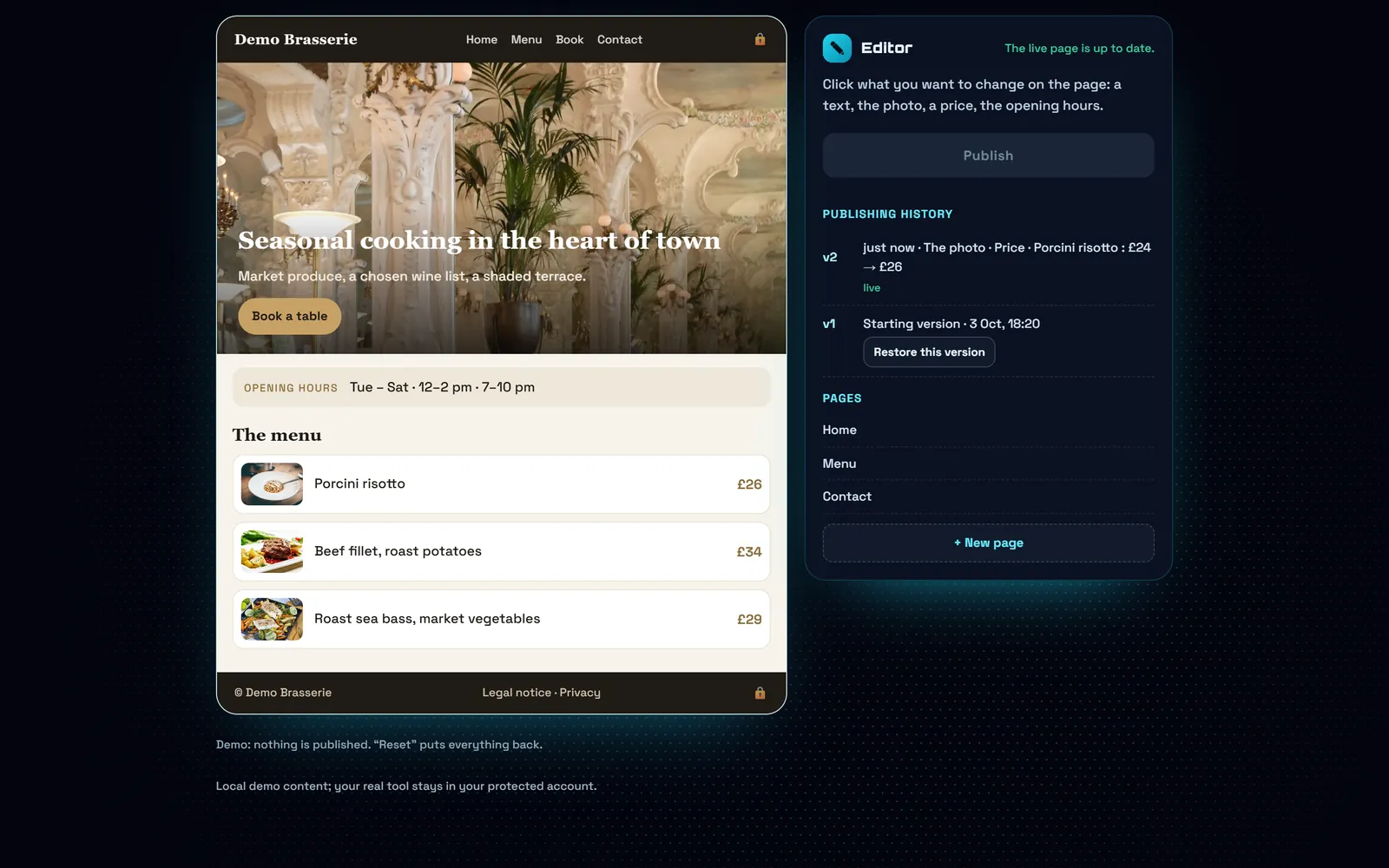
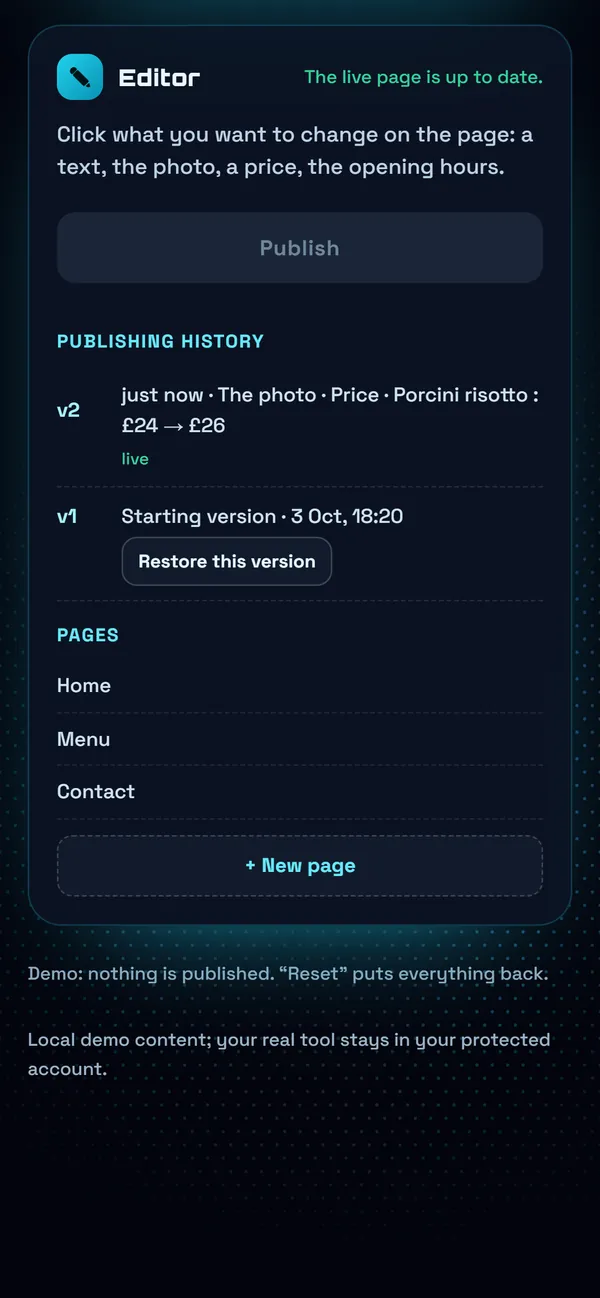
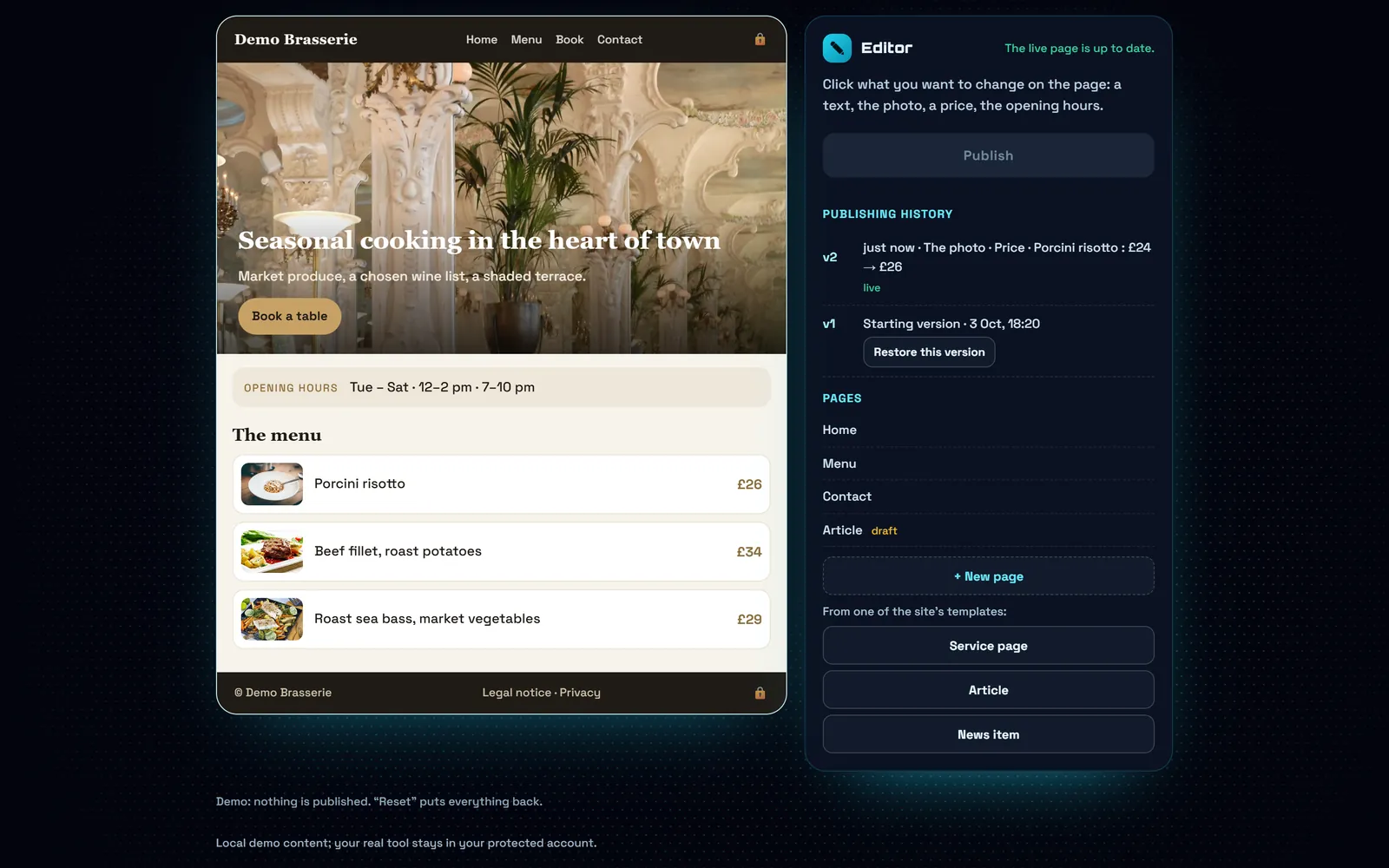
1 / 5Your page, as it is liveYou see your real page. The padlock: the structure is protected, nothing can break.
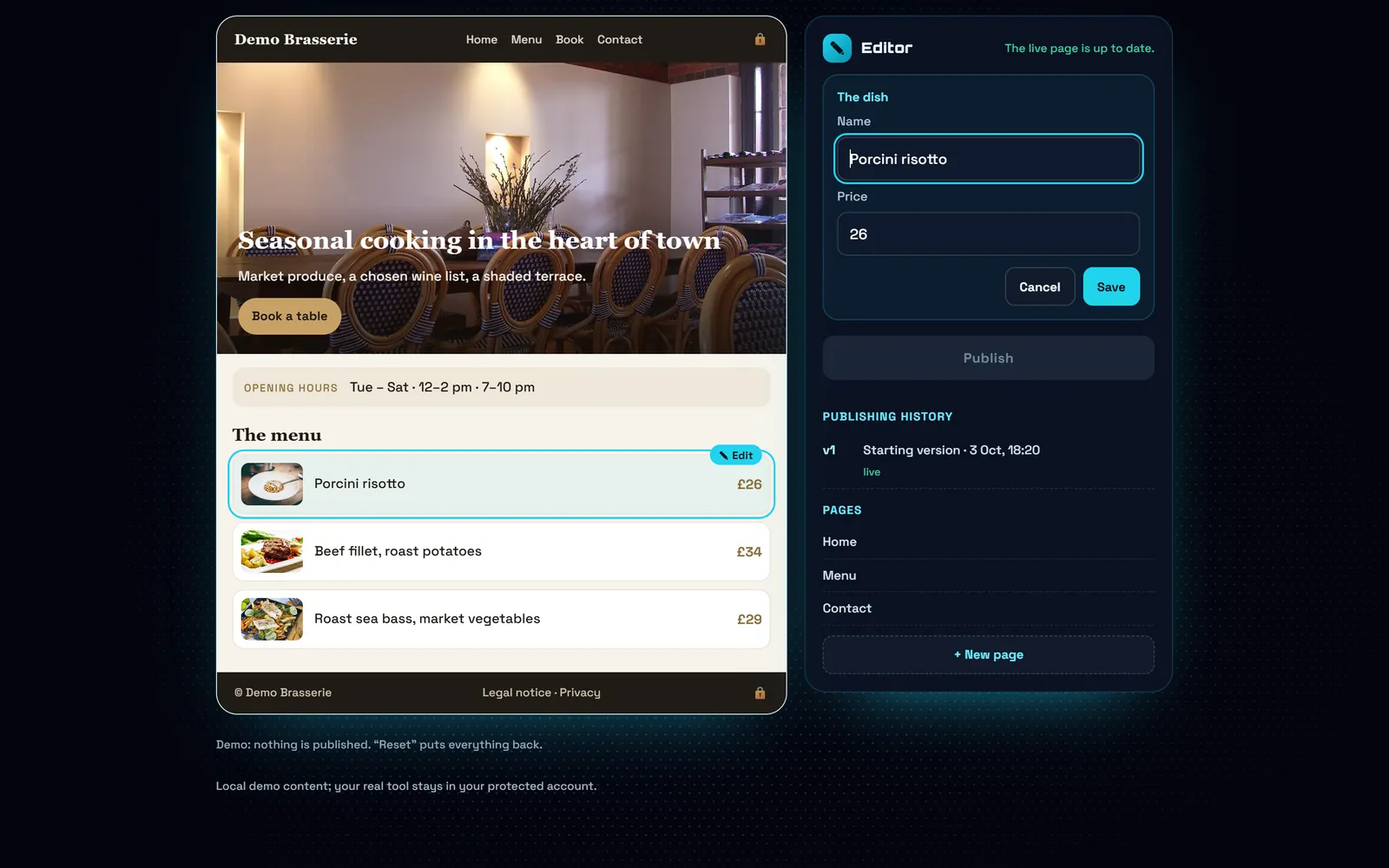
2 / 5A price changesYou click the dish and type 26: the page changes as you type, so you check before saving.
3 / 5Another photoThe top photo changes in one click, and the page shows it straight away.
4 / 5Publish, and keep the historyEvery publication is kept: one mistake, and you go back to the previous version in one click.
5 / 5A new pageA service page, an article, a news item: it starts from one of the site's templates and keeps its design.
What's included
What you can change
Text, photos, prices, a restaurant's menu, opening hours, services, legal notices. What touches the structure of the site stays protected, so nothing breaks.
No complicated password, no training
You click on what you want to change, you type, you save. If you can fill in a form, you can use the editor.
Update the content, keep the layout
Changes are written into static pages served from the network, not into a database woken up on every visit. That is the difference between a site that stays at 95-100 on PageSpeed and one that drops with every update.
Restore an earlier version
Every publication is kept. Made a mistake? You go back to the previous version in one click.
Pricing
Content editor: £250 then £19/month, cancel any time · EUR = CHF = £, one to one.
Frequently asked questions
How much does the content editor cost?
£250 to set up, then £19 a month, cancel any time. The price is the same in pounds, euros and Swiss francs.
Can I add pages?
Yes, from the site's templates: a service page, an article, a news item. They inherit the design and the speed.
What if I break something?
You cannot break the structure: it is protected. And every version is kept, so you go back whenever you want.
Is the SEO preserved?
Yes. Titles, descriptions and structured data follow the site's rules; you change the content, not the mechanics that get it found.
Read more on this topic
- SEO explained simply: what it is and what it changes for your business — SEO is what makes a customer who searches for what they need on Google land on you rather than someone else. Explained without jargon: what Google looks at, what moves you up, and what you should never believe.
- The quote that goes out before your competitor’s — On building work it is not always the cheapest who wins: it is often the first to answer. How an automated quote on your site prices the job while the customer is still reading, and what that changes.
- Changing a price on your website without asking permission — Waiting three days and paying a quarter of an hour of labour to fix a price is daily life for many businesses. What a content editor changes, and what it really costs.
- The appointments you lose while you are working — A customer who calls while your hands are busy rarely calls back: they call the next place. What an online booking calendar on your own site fixes, what it costs, and why the booking must belong to you.
- Ultra POS: till, kitchen and ordering in one system — Delivery platforms take up to 30% of the basket, and the till, the website and online ordering are usually three separate subscriptions. What Ultra POS brings together, and what it changes on the bottom line.
- Finally knowing which page actually works for your business — Most owners pay for a website without ever knowing what it does. What visitor tracking shows, what it lets you stop paying for, and why a Google position alone proves nothing.